
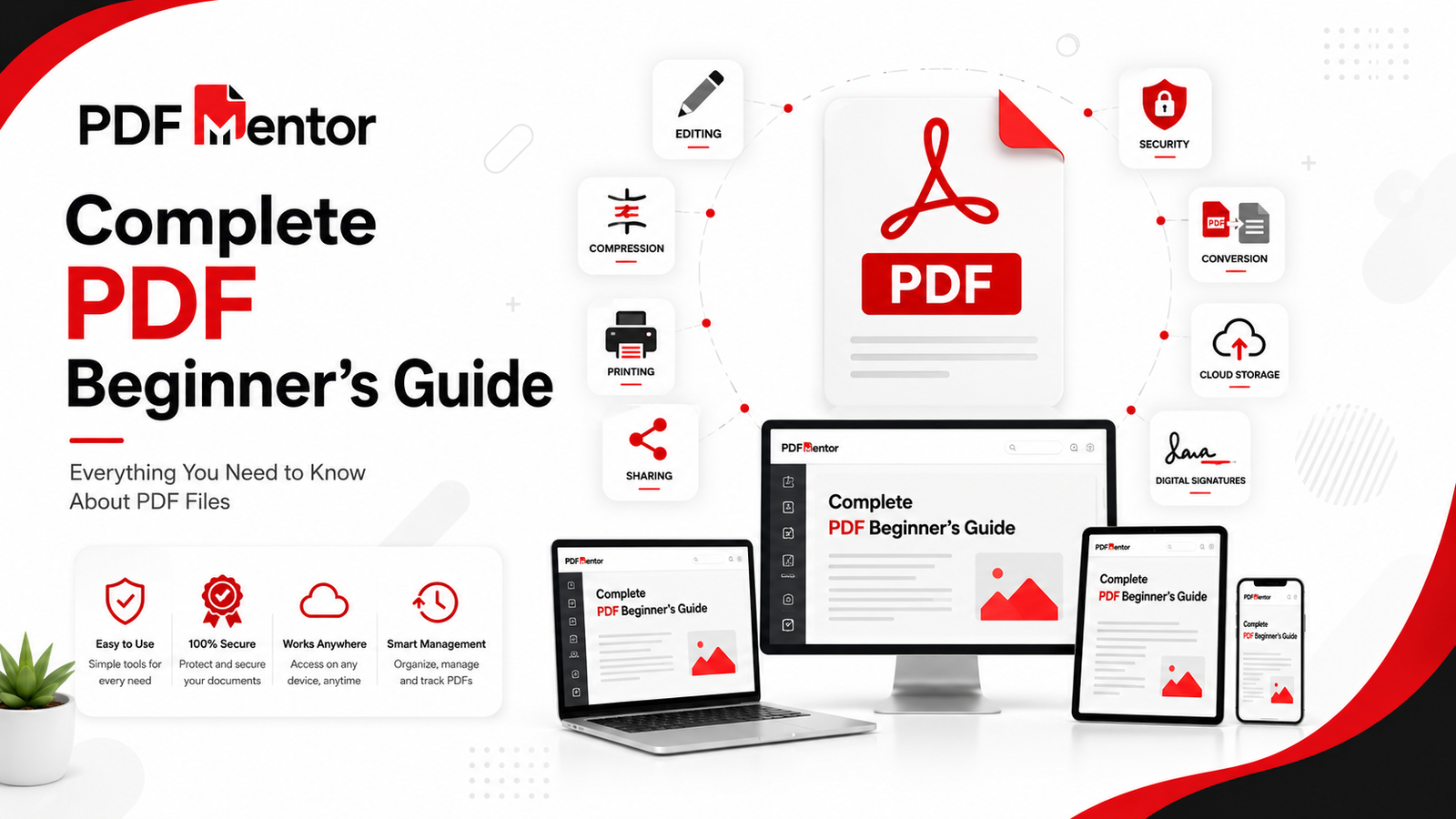
Whether you’re opening your first PDF, editing important documents, converting files, or simply trying to understand how PDFs work, this guide covers everything you need to know in one place.
PDF (Portable Document Format) has become the world’s most trusted file format for sharing documents because it preserves formatting, works across devices, and offers powerful security features. From students and professionals to businesses and government organizations, millions of people use PDF files every day.
In this complete beginner’s guide, you’ll learn what PDF files are, how they work, their benefits, common uses, security features, editing options, and the best practices for working with PDF documents. We’ll also introduce the most useful PDF tools and link to detailed guides where you can explore each topic further.
Quick Answer
A PDF (Portable Document Format) is a universal file format designed to display documents consistently across different devices and operating systems. Unlike editable document formats, PDFs preserve fonts, layouts, images, and formatting, making them ideal for sharing, printing, archiving, and protecting important documents.
If you’re completely new to PDFs, start by reading our detailed guide on What Is a PDF File?
PDF at a Glance
| Feature | Details |
|---|---|
| Full Form | Portable Document Format |
| Developed By | Adobe Systems |
| Best For | Sharing, Printing & Archiving Documents |
| Editable | Yes (Using PDF Editors) |
| Secure | Password Protection & Encryption |
| Universal | Works on Windows, macOS, Android, iPhone & Linux |
| Popular Uses | Contracts, Reports, Forms, eBooks, Invoices, Certificates |
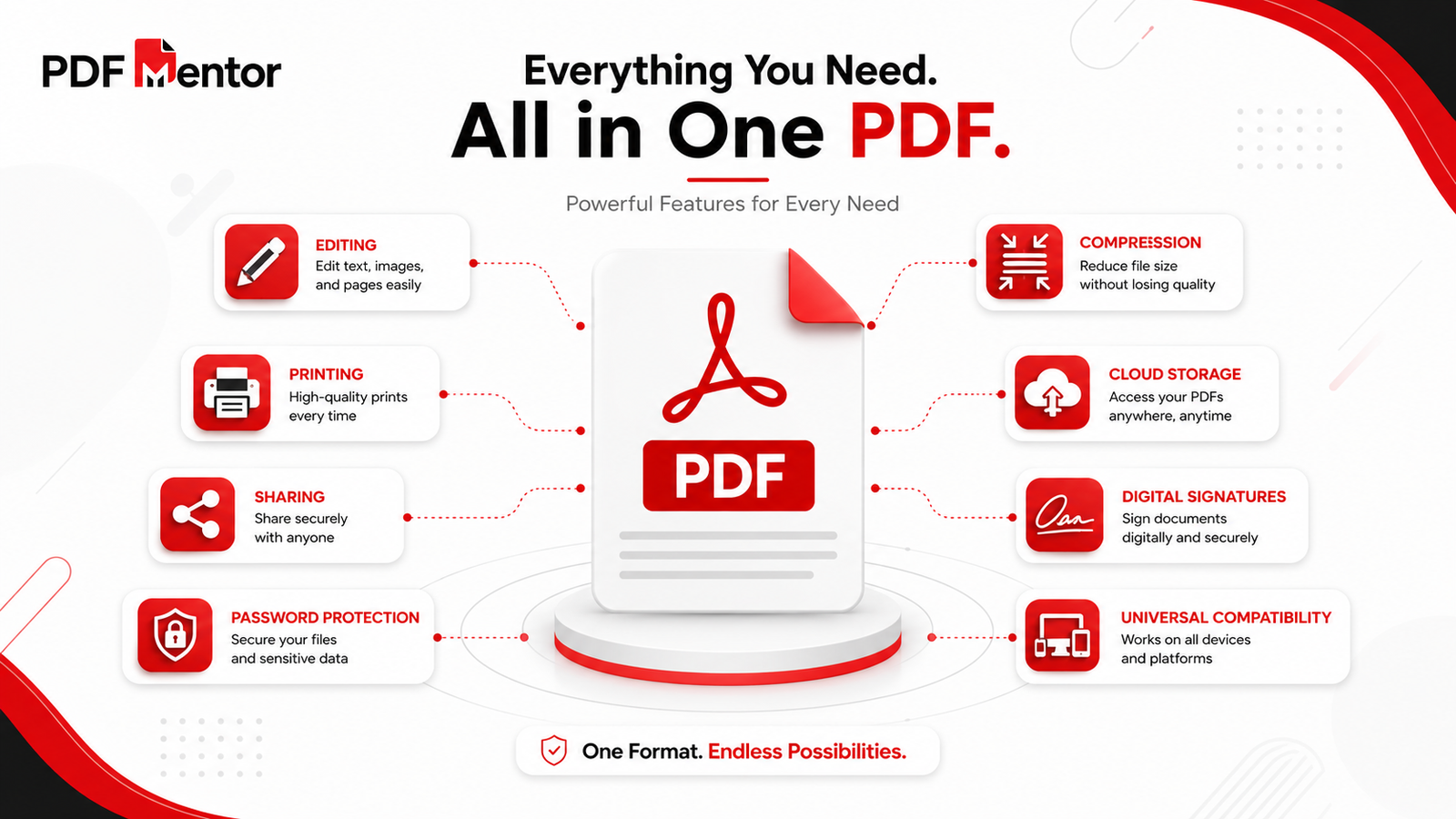
Table of Contents
- What Is a PDF?
- Why PDF Is So Popular
- Key Features of PDF
- Types of PDF Files
- Common Uses of PDF
- Essential PDF Tools
- PDF Best Practices
- Frequently Asked Questions
- Key Takeaways
What Is a PDF?
A PDF (Portable Document Format) is a file format created to make document sharing simple and reliable. Unlike many editable document formats, PDFs preserve the original appearance of a document, ensuring that text, images, fonts, and layouts remain unchanged regardless of the device or software used to open the file.
This consistency makes PDFs one of the most trusted formats for professional and personal use. Whether you’re sending a resume, sharing a business proposal, distributing an eBook, or submitting official forms, a PDF ensures that recipients see your document exactly as intended.
To learn more about how PDFs work, their history, and their key features, read our complete guide on What Is a PDF File.
Why PDF Is So Popular
PDF has become the global standard for digital documents because it solves many common problems associated with file sharing.
Some of the biggest reasons for its popularity include:
- Consistent formatting across all devices.
- Cross-platform compatibility.
- Easy document sharing.
- High-quality printing.
- Password protection and encryption.
- Support for digital signatures.
- Smaller file sizes after compression.
- Long-term document archiving.
These advantages make PDF the preferred format for businesses, educational institutions, legal professionals, healthcare providers, and government organizations.
Key Features of PDF
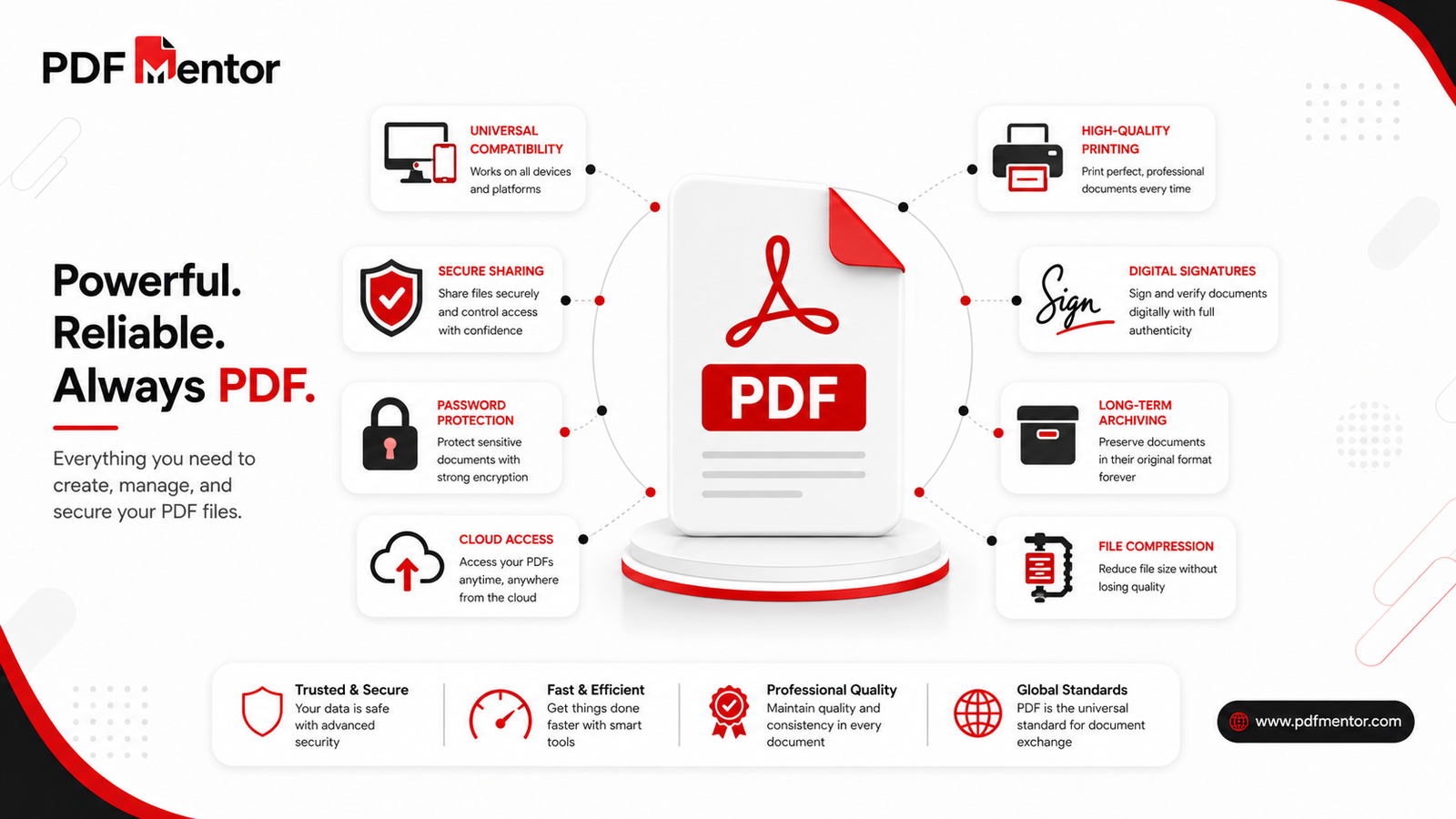
PDF files offer a combination of flexibility, reliability, and security that few other document formats can match.
Preserves Formatting
PDF maintains fonts, spacing, images, and layouts exactly as they were created, ensuring documents look professional on every device.
Universal Compatibility
PDF files can be opened on Windows, macOS, Linux, Android, and iOS without changing their appearance.
Security Features
Users can protect PDFs with passwords, encryption, permission settings, and digital signatures.
Need to secure a confidential document? Use our Protect PDF tool.
Compression Support
Large PDF files can be compressed without significantly affecting quality, making them easier to email and store.
Reduce file sizes using our Compress PDF tool.
Easy Viewing
You can quickly preview PDF files in your browser without installing additional software by using our PDF Viewer.
Types of PDF Files
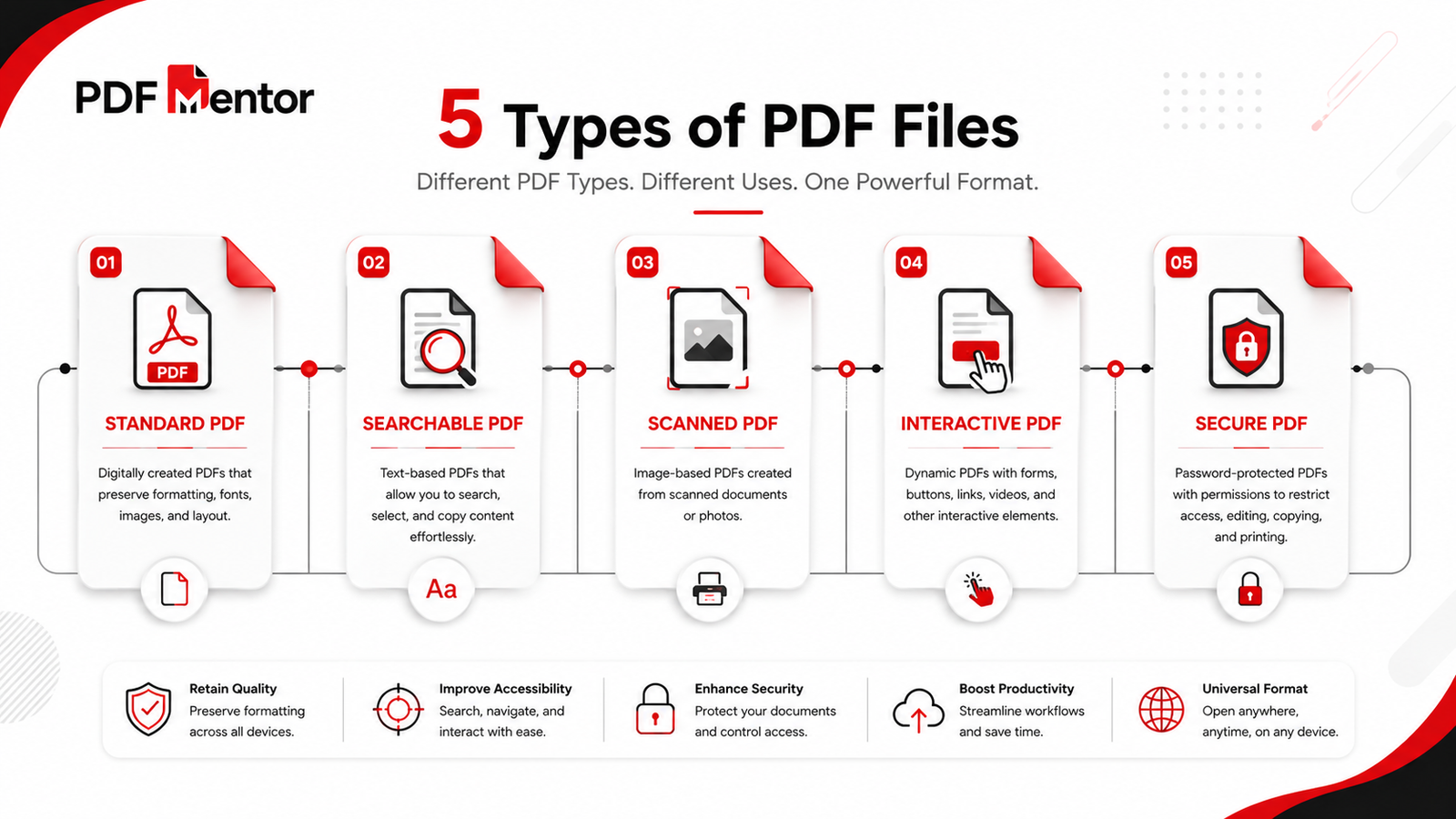
Although all PDFs share the same file extension (.pdf), they can serve different purposes depending on how they are created and used.
Some common types include:
- Standard PDFs – Regular documents for viewing and sharing.
- Searchable PDFs – Documents where text can be searched and copied.
- Scanned PDFs – Image-based PDFs created from scanners or mobile devices.
- Interactive PDFs – Forms, buttons, hyperlinks, and multimedia content.
- Secured PDFs – Password-protected or encrypted documents.
Understanding these different types helps you choose the right tools and workflows for your documents.
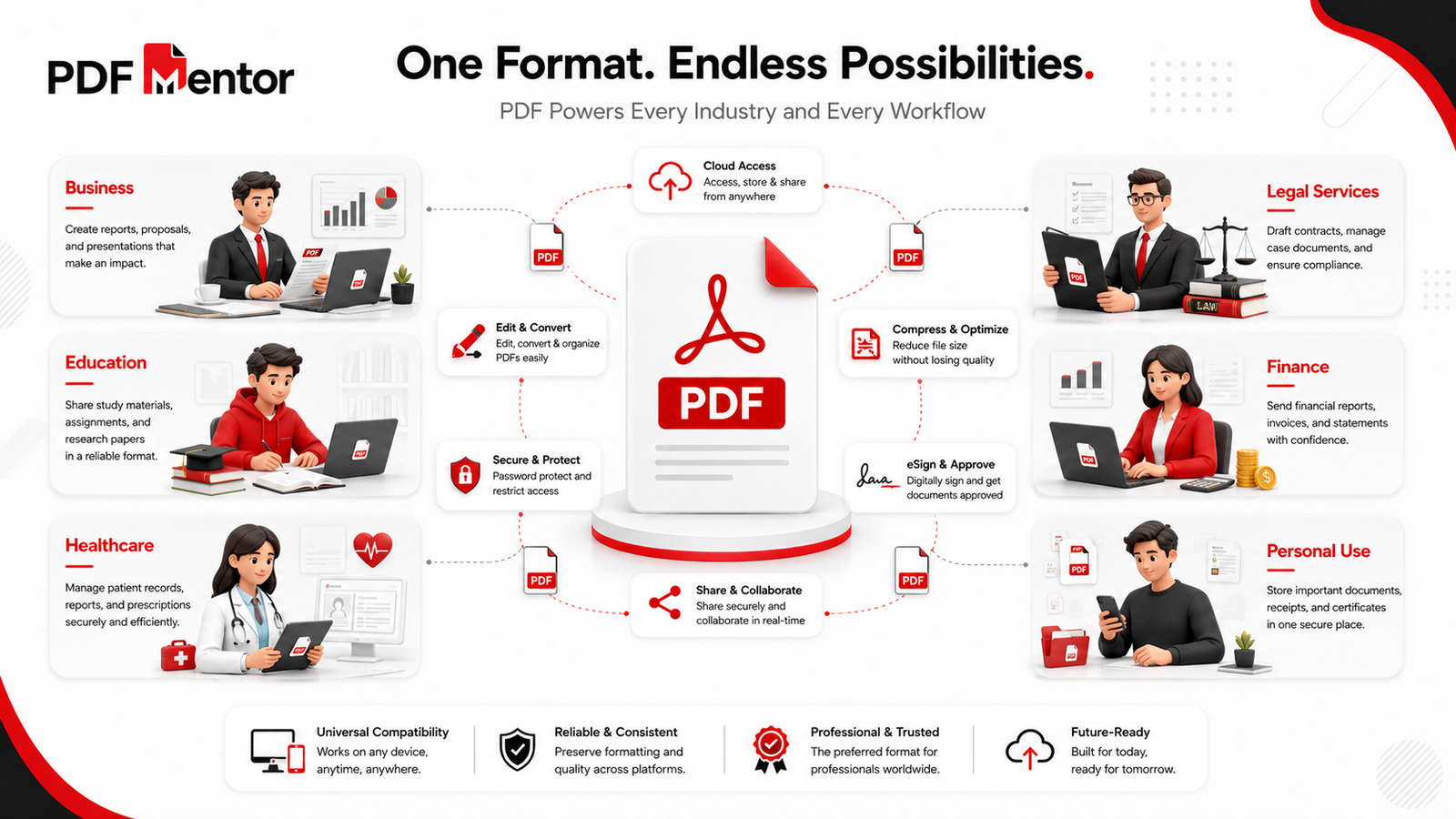
Common Uses of PDF Files
PDF files are used in almost every industry because they preserve formatting, support security features, and can be opened on virtually any device. Whether you’re a student, business owner, freelancer, or government employee, PDFs make document sharing simple and reliable.
Let’s explore the most common ways PDF files are used in everyday life.
1. Business Documents
Businesses rely on PDF files for sharing professional documents without worrying about formatting issues.
Common business documents include:
- Contracts
- Invoices
- Business proposals
- Financial reports
- Company policies
- Employee handbooks
- Product catalogs
Businesses often convert editable documents into PDFs before sending them to clients to ensure the content remains unchanged.
If you need to edit a finalized PDF, use our Edit PDF tool.
2. Education
Schools, colleges, and universities widely use PDFs because they work consistently across different devices.
Examples include:
- Assignments
- Lecture notes
- eBooks
- Research papers
- Certificates
- Study guides
Students often submit assignments as PDFs because instructors receive the document exactly as intended.
3. Government & Legal Documents
Government agencies and legal professionals frequently use PDFs for official records.
Examples include:
- Application forms
- Tax documents
- Legal agreements
- Court filings
- Licenses
- Official notices
PDF security features help protect sensitive information and maintain document integrity.
4. Personal Documents
Individuals use PDFs every day for storing and sharing important records.
Popular examples include:
- Resumes
- Medical records
- Utility bills
- Bank statements
- Insurance documents
- Travel itineraries
When applying for jobs, it’s usually best to send your resume as a PDF to preserve its formatting.
To understand why PDFs are preferred over editable documents, read our PDF vs Word comparison.
Benefits of Using PDF Files
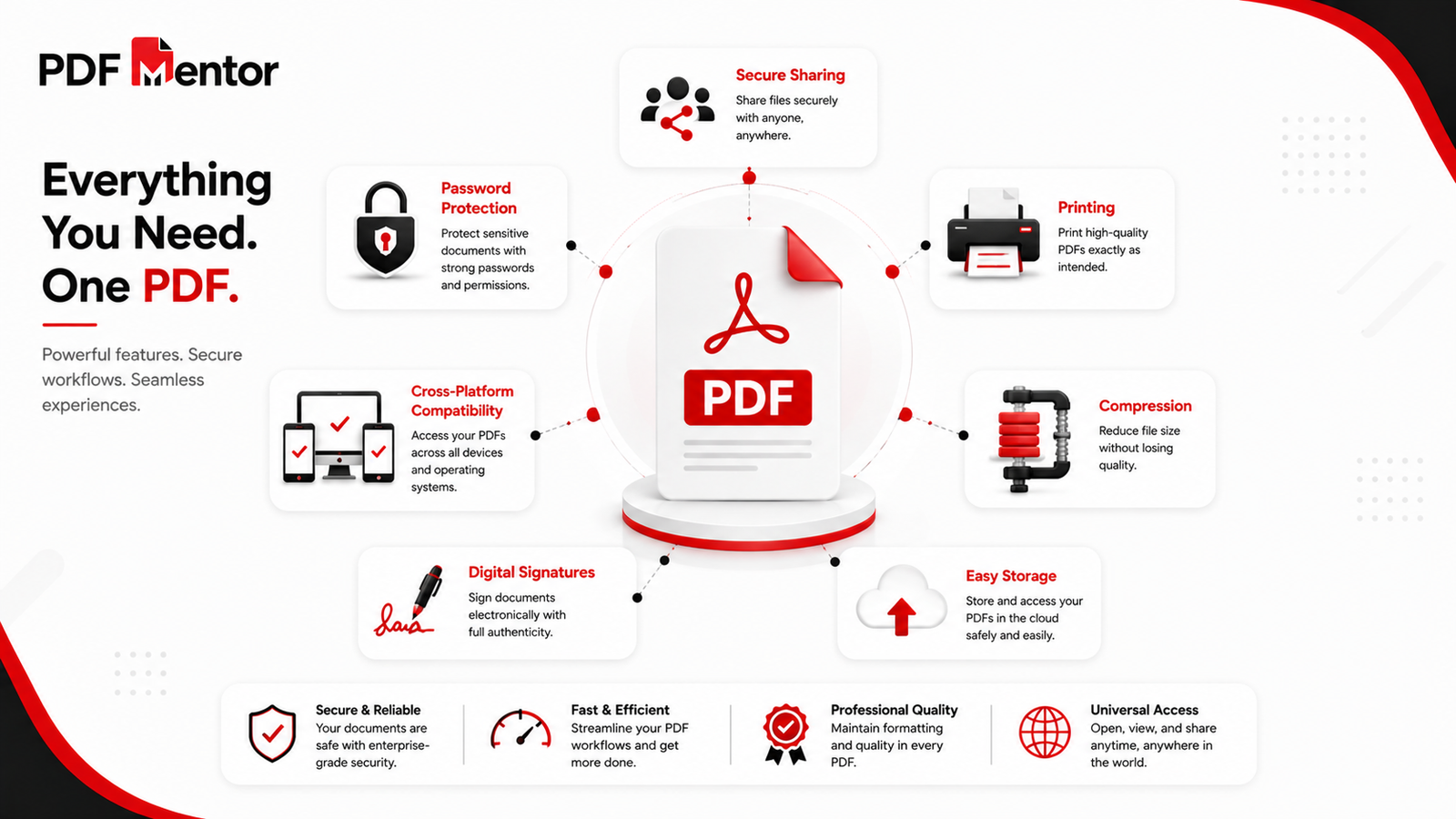
PDF has become the preferred document format because it combines reliability, compatibility, and security. Here are some of its biggest advantages.
Consistent Formatting
PDF files look the same on Windows, macOS, Android, iPhone, and Linux, ensuring recipients see your document exactly as you created it.
Easy Sharing
PDFs are easy to email, upload, download, and share online without affecting the document layout.
Professional Printing
PDF is one of the best formats for high-quality printing because fonts, spacing, and graphics remain intact.
Strong Security
PDF files support:
- Password protection
- Encryption
- Permission controls
- Digital signatures
Protect confidential documents using our Protect PDF tool.
Smaller File Sizes
Many PDF files can be compressed to make them easier to store and share.
Reduce large documents with our Compress PDF tool.
PDF vs Other File Formats
Choosing the right file format depends on how you plan to use the document. Here’s a quick comparison of PDF and other popular formats.
| Format | Best For | Editable | Preserves Formatting |
|---|---|---|---|
| Sharing, Printing, Archiving | Limited | ✅ Yes | |
| Word (DOCX) | Writing & Editing | ✅ Yes | Partial |
| JPG | Images | No | Image Only |
| PNG | Graphics | No | Image Only |
| Excel (XLSX) | Spreadsheets | ✅ Yes | Partial |
If you’re unsure which document format is right for your workflow, explore our detailed PDF vs Word comparison.
Essential PDF Tools Explained
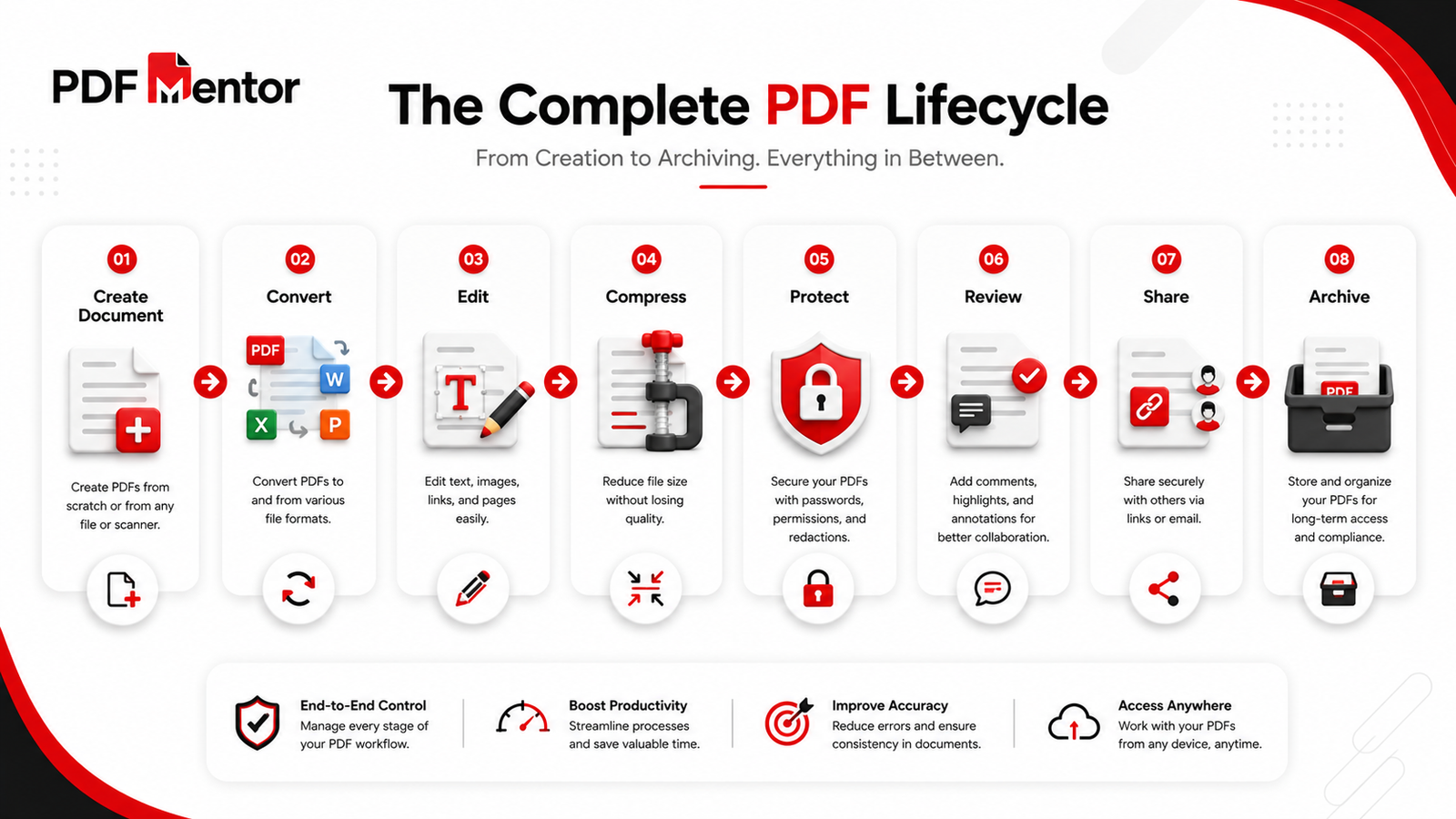
Working with PDF files becomes much easier when you have the right tools. Here are some of the most commonly used PDF tools available on PDFMentor.
Edit PDF
Modify text, images, and other elements in an existing PDF using our Edit PDF tool.
Compress PDF
Reduce file size without significantly affecting quality using our Compress PDF tool.
Merge PDF
Combine multiple PDF files into one document with our Merge PDF tool.
Split PDF
Extract pages or divide a document using our Split PDF tool.
Protect PDF
Secure confidential documents with our Protect PDF tool.
PDF Viewer
Open and preview PDF files online with our PDF Viewer.
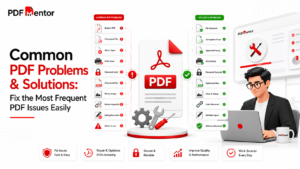
Common PDF Problems
Although PDFs are reliable, users occasionally encounter issues. Here are some common problems and practical solutions.
| Problem | Possible Solution |
|---|---|
| PDF won’t open | Update your PDF reader or use an online viewer. |
| PDF file is too large | Compress the PDF before sharing. |
| Can’t edit a PDF | Use a dedicated PDF editor. |
| PDF is password protected | Unlock it if you have authorization. |
| Scanned PDF isn’t searchable | Convert it using OCR software. |
We’ll cover these issues in more detail in our upcoming guide on Common PDF Problems & Solutions.
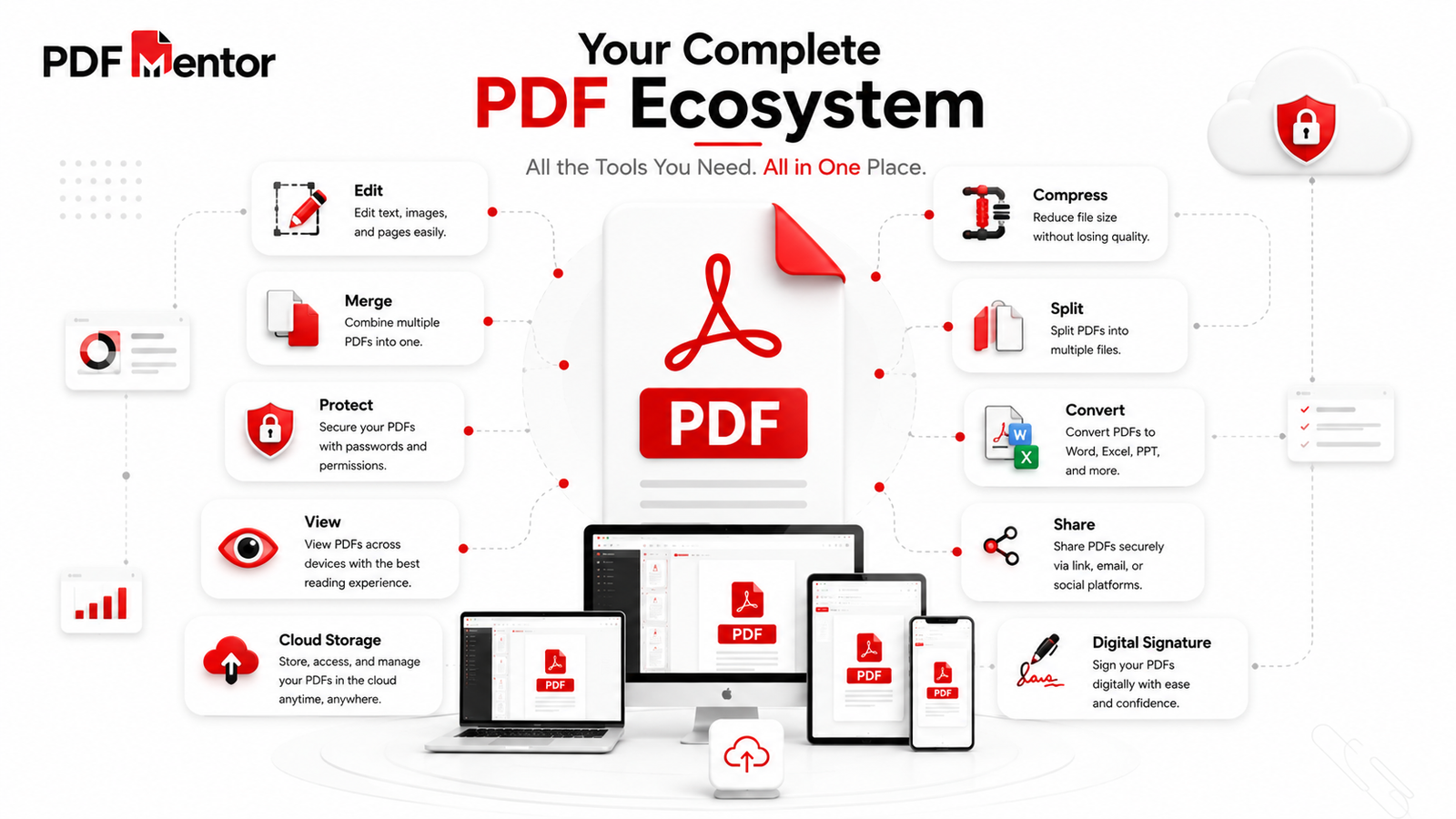
Best Practices for Working with PDF Files
Follow these best practices to get the most out of your PDF documents.
- Save finalized documents as PDF before sharing.
- Compress large PDFs before emailing them.
- Password-protect confidential files.
- Keep a backup of the original editable document.
- Review your PDF before sending it.
- Use descriptive filenames to stay organized.
- Archive important records in PDF format for long-term access.
These simple habits help improve document security, organization, and professionalism.
Frequently Asked Questions (FAQs)
1. What is a PDF file?
A PDF (Portable Document Format) is a universal file format developed to preserve the layout, fonts, images, and formatting of a document across different devices and operating systems. It’s widely used for sharing, printing, and archiving documents.
Learn more in our What Is a PDF File? guide.
2. Why are PDF files so popular?
PDF files are popular because they:
- Preserve formatting
- Work on almost every device
- Support password protection
- Are ideal for printing
- Can be compressed for easy sharing
- Support digital signatures
These features make PDFs the preferred format for both personal and professional documents.
3. Can I edit a PDF file?
Yes. Although PDFs are designed to preserve document formatting, they can still be edited using PDF editing software or online tools.
Use our Edit PDF tool to modify text, images, and pages.
4. How can I reduce the size of a PDF?
You can compress a PDF using a dedicated compression tool. Compression reduces file size while maintaining acceptable document quality, making files easier to email, upload, and store.
Try our Compress PDF tool.
5. How do I protect a PDF with a password?
You can secure a PDF by adding password protection and encryption. This helps prevent unauthorized access and protects sensitive information.
Use our Protect PDF tool.
6. What’s the difference between PDF and Word?
Microsoft Word is designed for creating and editing documents, while PDF is optimized for sharing, printing, and preserving formatting.
Read our detailed comparison: PDF vs Word
7. What are the most useful PDF tools?
Some of the most commonly used PDF tools include:
- PDF Editor
- PDF Viewer
- Compress PDF
- Merge PDF
- Split PDF
- Protect PDF
- Convert PDF
These tools make it easier to create, edit, organize, and secure PDF documents.
8. Is PDF the best format for sharing documents?
In most cases, yes. PDF is one of the best formats for sharing finalized documents because it maintains formatting, supports security features, and works consistently across different devices.
Key Takeaways
- PDF stands for Portable Document Format and is one of the world’s most widely used document formats.
- PDFs preserve formatting, making them ideal for sharing and printing.
- They support password protection, encryption, and digital signatures for improved security.
- PDF files are commonly used in business, education, healthcare, legal services, and government organizations.
- PDFMentor offers tools to edit, compress, merge, split, protect, and view PDF files online.
- Understanding PDF basics helps you work more efficiently with digital documents.
Final Thoughts
PDF has become an essential part of modern digital communication. Whether you’re sending a resume, sharing a business proposal, submitting an assignment, or archiving important records, PDF provides a reliable and professional way to manage documents.
For beginners, learning the basics of PDF is the first step toward working more efficiently with digital files. As your needs grow, you’ll also benefit from understanding editing, conversion, compression, organization, and security techniques.
At PDFMentor, our goal is to make working with PDF files simple and accessible. Alongside practical guides like this one, you’ll find free online tools to help you edit, compress, merge, split, protect, and manage your documents with ease.
15 Benefits of PDF Files: Why PDFs Are the Best Choice
July 25, 2026[…] you’re new to PDFs, we recommend reading our PDF Beginner’s Guide to understand the basics before exploring their […]