
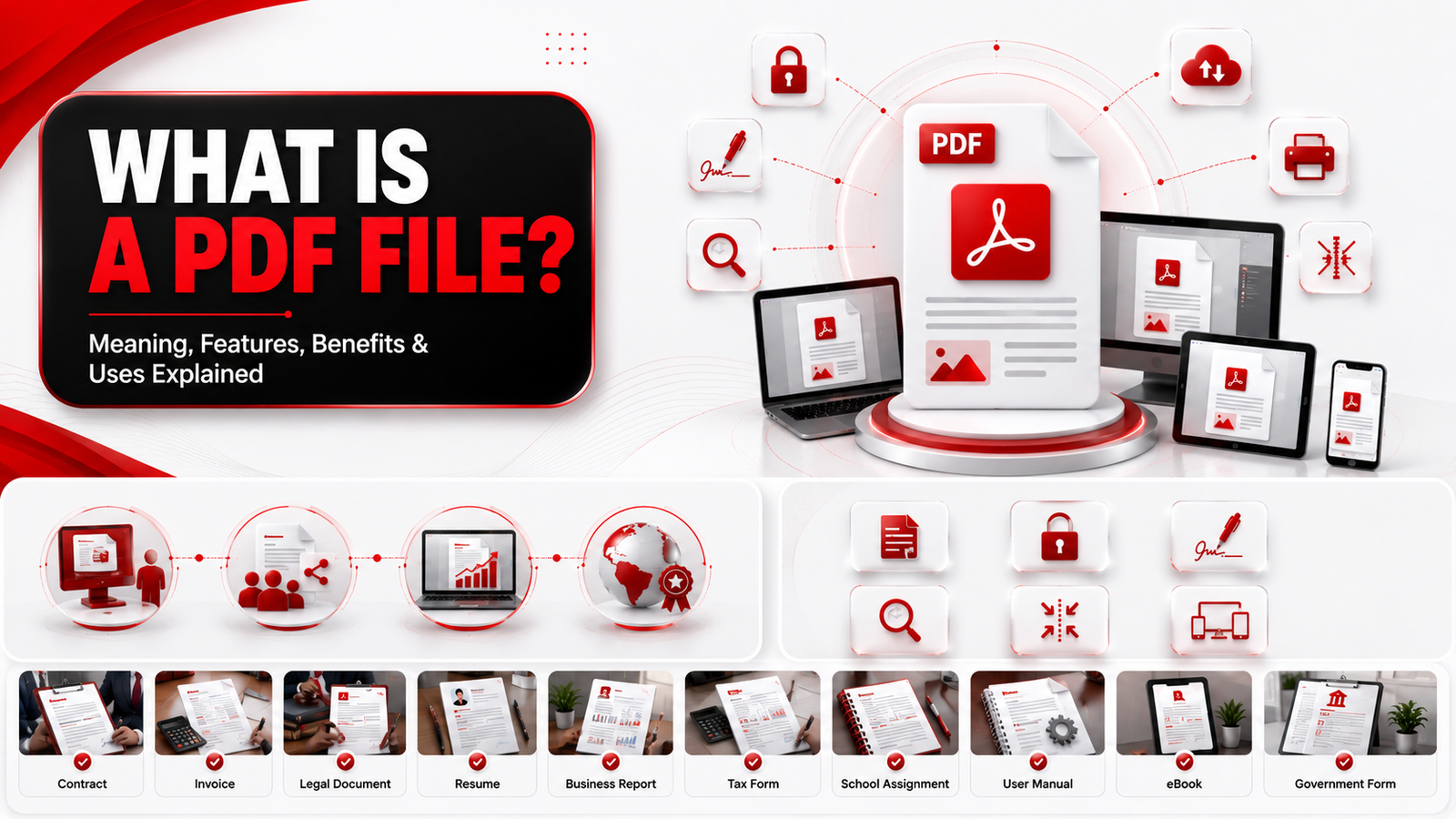
PDF files are one of the most commonly used document formats today. Whether you’re downloading an invoice, submitting a resume, reading an eBook, or signing a contract, chances are you’ve used a PDF file.
But what exactly is a PDF file, and why is it preferred over other document formats?
In this guide, you’ll learn what a PDF file is, how it works, its main features, and why millions of people and businesses rely on it every day.
Quick Answer
A PDF (Portable Document Format) is a file format developed by Adobe that preserves a document’s layout, fonts, images, and formatting regardless of the device or operating system used to open it. This makes PDF files ideal for sharing, printing, storing, and protecting documents without changing their appearance.
PDF File Overview
| Feature | Description |
|---|---|
| Full Name | Portable Document Format |
| File Extension | |
| Developed By | Adobe Systems |
| First Released | 1993 |
| Standard | ISO 32000 |
| Supports Images | ✅ Yes |
| Supports Hyperlinks | ✅ Yes |
| Supports Forms | ✅ Yes |
| Supports Digital Signatures | ✅ Yes |
| Best Used For | Sharing, printing, and archiving documents |
Table of Contents
- What Is a PDF File?
- History of PDF
- How PDF Files Work
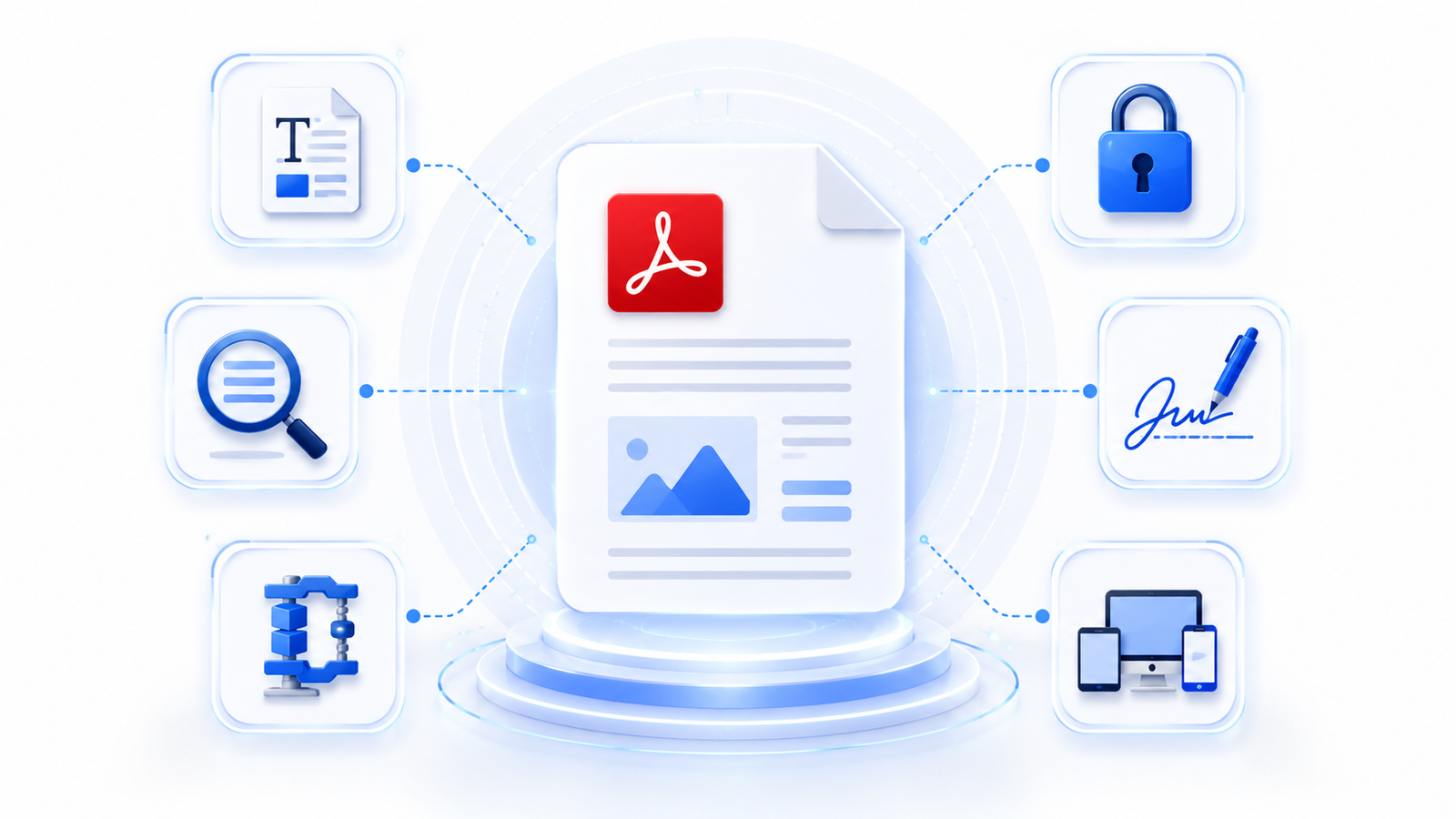
- Key Features of PDF Files
- Advantages of PDF Files
- Limitations of PDF Files
- Common Uses
- PDF vs Other File Formats
- FAQs
- Key Takeaways
What Is a PDF File?
A PDF (Portable Document Format) is a universal file format designed to display documents exactly as they were created. Unlike editable documents such as Microsoft Word files, a PDF preserves the original layout, fonts, images, colors, and spacing, ensuring that the document looks the same on every device.
This consistency is the main reason why PDF has become the preferred format for sharing important documents. Whether someone opens the file on Windows, macOS, Android, iPhone, or Linux, the content remains unchanged.
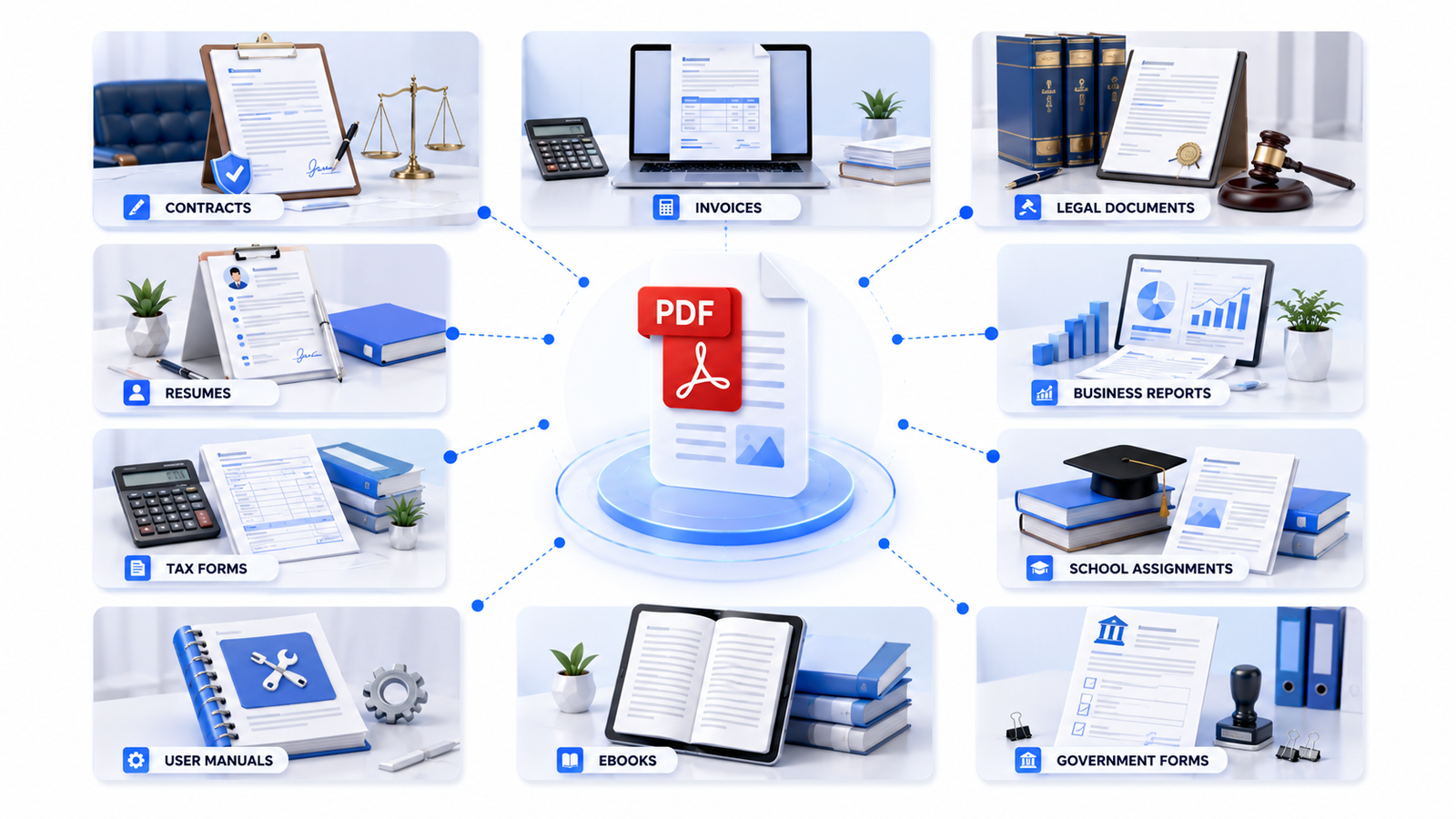
PDF files are commonly used for:
- Contracts
- Invoices
- Business reports
- eBooks
- User manuals
- School assignments
- Government forms
- Bank statements
- Legal documents
- Product catalogs
When you need a document that maintains its appearance regardless of where it’s opened, a PDF is usually the best choice.
You can also use PDF Viewer to open PDF documents directly in your browser without installing additional software.
History of PDF
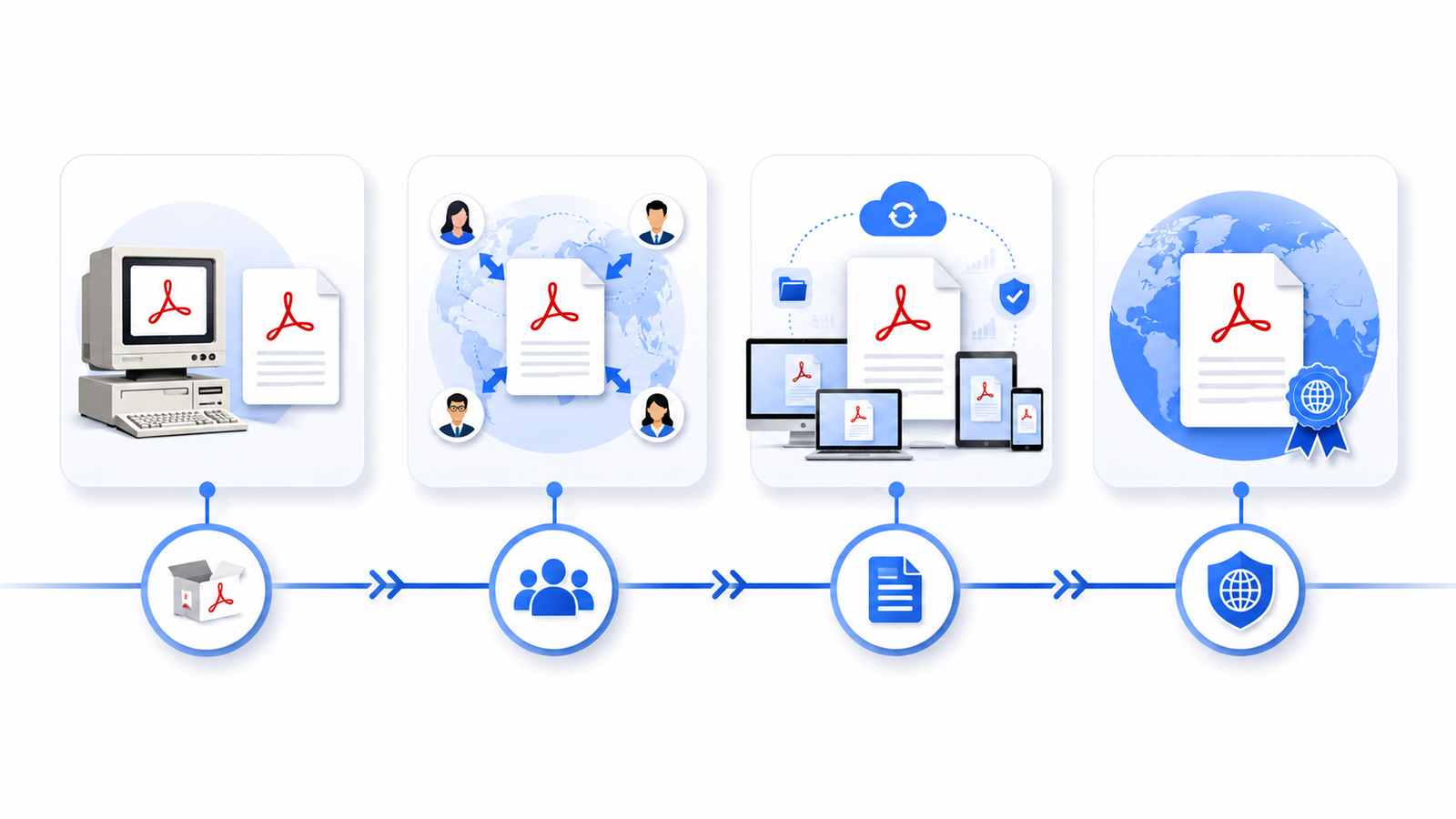
The Portable Document Format (PDF) was created by Adobe in 1993 to solve a common problem: documents often looked different when opened on different computers because of missing fonts, incompatible software, or different operating systems.
Adobe developed PDF as a universal document format that would preserve every element of a document, including text, fonts, graphics, images, and page layout.
Today, PDF has become one of the world’s most trusted document formats and is maintained as the ISO 32000 international standard, allowing software developers worldwide to support PDF compatibility.
If you’d like to learn more about the official PDF specification, Adobe and ISO provide detailed documentation.
How PDF Files Work
A PDF file stores all the resources required to display a document correctly inside a single file.
Instead of depending on fonts or formatting installed on your computer, a PDF can include everything needed to recreate the document exactly as the author intended.
A typical PDF file may contain:
- Text
- Fonts
- Images
- Graphics
- Tables
- Hyperlinks
- Interactive forms
- Metadata
- Digital signatures
- Embedded files
When you open a PDF using a PDF reader, the software interprets these elements and displays the document with the same formatting across different devices.
If changes are required, you can edit the document using a PDF Editor before sharing it with others.
Key Features of PDF Files
1. Preserves Document Formatting
The biggest advantage of PDF is its ability to preserve the original appearance of a document. Fonts, images, spacing, and page layouts remain unchanged regardless of the device or operating system.
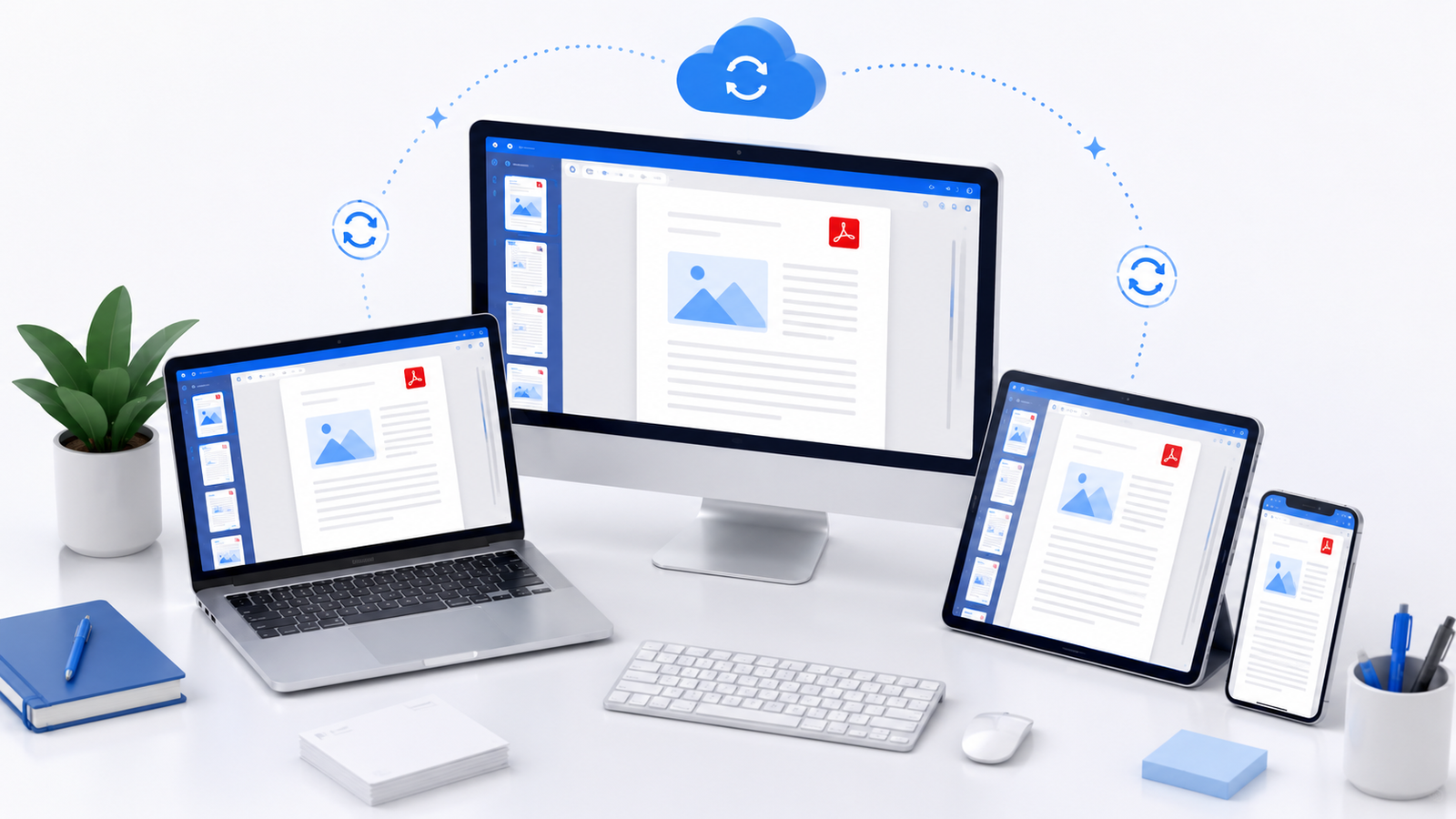
2. Works on Almost Every Device
PDF files can be opened on:
- Windows
- macOS
- Linux
- Android
- iPhone
- Tablets
Most modern web browsers also support opening PDF files without requiring additional software.
3. Supports Rich Content
PDF files are much more than simple text documents.
They can include:
- High-quality images
- Charts
- Tables
- Hyperlinks
- Bookmarks
- Interactive forms
- Buttons
- Embedded attachments
- Multimedia (supported readers)
This flexibility makes PDF suitable for business documents, reports, manuals, eBooks, and educational materials.
4. Built-in Security Features
PDF supports several security options that help protect confidential documents.
These include:
- Password protection
- File encryption
- Permission controls
- Digital signatures
- Certificate authentication
If you need to prevent unauthorized access, you can secure your file using the Protect PDF tool.
5. Smaller File Sizes
Many PDF creation tools compress images and optimize document resources, making PDF files smaller and easier to email or upload without noticeably affecting quality.
If your document is too large to share, you can reduce its size with the Compress PDF tool.
6. Searchable Documents
Most digital PDF files allow users to search for specific words or phrases instantly.
Scanned PDFs can also become searchable by using OCR (Optical Character Recognition) technology, which converts images of text into selectable and searchable content.
Advantages of PDF Files
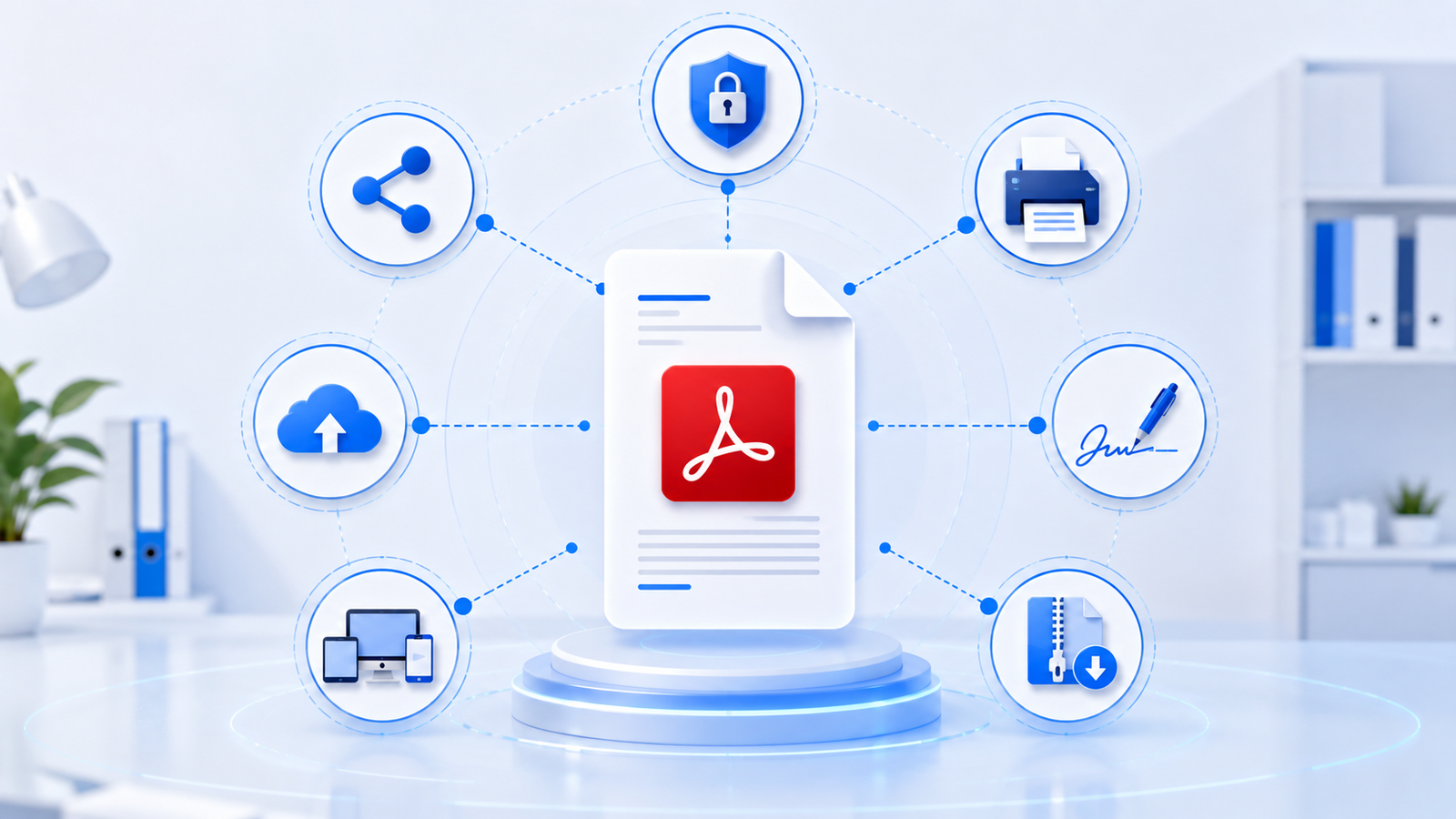
PDF has become the preferred document format for businesses, educational institutions, government agencies, and individuals because it offers several practical benefits. From preserving formatting to improving document security, PDFs make it easier to create, share, and manage digital documents.
1. Preserves Document Formatting
One of the biggest advantages of PDF files is that they preserve the original formatting of a document. Fonts, images, tables, margins, and page layouts remain exactly the same, regardless of the device or operating system used to open the file.
This ensures that resumes, contracts, reports, brochures, and presentations always appear as intended.
2. Easy to Share
PDF files are widely supported and can be opened on almost any computer, smartphone, or tablet. Because they maintain consistent formatting, you don’t have to worry about the recipient seeing a broken layout.
You can also view documents instantly using the PDF Viewer.
3. Better Security
Many PDF files contain confidential information such as contracts, invoices, bank statements, or legal documents.
PDF supports several security features, including:
- Password protection
- Encryption
- Permission controls
- Digital signatures
These features help prevent unauthorized access and modifications.
If you want to secure a document before sharing it, use the Protect PDF tool.
4. Smaller File Sizes
Compared to many editable document formats, PDF files can often be optimized for smaller file sizes without significantly reducing quality.
This makes them easier to:
- Upload
- Store
- Share online
If your document exceeds an email attachment limit, you can reduce its size using the Compress PDF tool.
5. Supports Digital Signatures
Many organizations use PDF files for contracts and agreements because they support digital signatures.
Digital signatures help verify the authenticity of the signer and indicate whether a document has been altered after signing.
This makes PDFs suitable for professional and legal workflows.
6. Compatible with Almost Every Platform
PDF files can be opened on:
- Windows
- macOS
- Linux
- Android
- iPhone
- iPad
Most modern web browsers also support PDF viewing without requiring additional software.
Limitations of PDF Files
Although PDF is one of the most reliable document formats, it isn’t perfect for every situation.
Understanding its limitations helps you decide when another file format may be more appropriate.
1. Editing Can Be Difficult
Unlike Word documents, PDFs are not designed primarily for editing.
Simple changes often require dedicated PDF editing software.
If you need to update text, images, or page layouts, you can use the Edit PDF tool.
2. Large Files Can Affect Performance
PDFs containing many high-resolution images or scanned pages can become very large.
Large files:
- Take longer to upload
- Are slower to download
- Consume more storage
- May exceed email size limits
Compressing the document before sharing usually solves this problem.
3. Scanned PDFs May Not Be Searchable
A scanned document is essentially an image.
Without OCR (Optical Character Recognition), users cannot:
- Search text
- Copy text
- Highlight text
OCR technology converts scanned images into searchable documents.
4. Some Features Depend on the PDF Reader
Interactive elements such as:
- Forms
- Multimedia
- JavaScript
- Embedded files
may not function properly in every PDF viewer.
Using an up-to-date PDF reader helps ensure maximum compatibility.
Common Uses of PDF Files
PDF files are used across almost every industry because they provide consistent formatting and broad compatibility.
Some of the most common uses include:
Business Documents
Businesses commonly use PDFs for:
- Contracts
- Invoices
- Financial reports
- Business proposals
- Company brochures
Educational Materials
Schools and universities distribute:
- Lecture notes
- Assignments
- Research papers
- eBooks
- Certificates
using PDF files.
Government Forms
Government agencies frequently publish:
- Tax forms
- License applications
- Official notices
- Policy documents
in PDF format to ensure consistent printing and viewing.
Legal Documents
Law firms often use PDFs for:
- Agreements
- Affidavits
- Court filings
- Evidence documents
because formatting remains unchanged.
Product Manuals
Manufacturers distribute:
- User manuals
- Installation guides
- Warranty information
as PDFs so customers can access them on different devices.
PDF vs Other File Formats
Choosing the right file format depends on what you need to do with the document.
| Feature | Microsoft Word (DOCX) | JPG | |
|---|---|---|---|
| Editable | Limited | Yes | No |
| Preserves Formatting | ✅ Yes | Sometimes | Image Only |
| Supports Images | ✅ Yes | ✅ Yes | Yes |
| Supports Forms | ✅ Yes | Limited | No |
| Best for Printing | ✅ Excellent | Good | Poor |
| File Size | Moderate | Moderate | Small |
| Security Options | Excellent | Basic | Very Limited |
If you frequently convert between formats, PDFMentor provides tools to transform files quickly.
Real-World Examples
Here are a few everyday situations where PDF is the best choice:
Example 1: Sending a Resume
A job applicant saves their resume as a PDF to ensure that the formatting looks professional on every employer’s computer.
Example 2: Signing a Contract
A company sends a contract in PDF format so it can be digitally signed without changing the original content.
Example 3: Sharing a Product Catalog
A business distributes its product catalog as a PDF because images, branding, and layouts remain consistent across devices.
Example 4: Archiving Important Records
Organizations store historical reports and official documents as PDFs because the format is stable and suitable for long-term preservation.
Common Mistakes to Avoid
When working with PDF files, avoid these common mistakes:
- Sharing very large PDFs without compressing them first.
- Forgetting to password-protect confidential documents.
- Editing the original document instead of creating a backup.
- Sending scanned PDFs without OCR when recipients need searchable text.
- Using low-quality scans that make documents difficult to read.
Best Practices for Using PDF Files
To get the most out of PDF documents:
- Compress files before emailing large documents using the Compress PDF tool.
- Protect sensitive documents with the Protect PDF tool.
- Remove unnecessary pages using the Remove PDF Pages tool.
- Rotate incorrectly scanned pages with the Rotate PDF tool.
- Organize document pages before sharing using the Organize PDF tool.
Frequently Asked Questions (FAQs)
1. What does PDF stand for?
PDF stands for Portable Document Format. It is a file format developed by Adobe that preserves a document’s layout, fonts, images, and formatting so it appears the same on different devices and operating systems.
2. Can I edit a PDF file?
Yes. Although PDF files are primarily designed for viewing and sharing, they can also be edited using a PDF editor. You can modify text, images, add annotations, or rearrange pages with the Edit PDF tool.
3. Is a PDF better than a Word document?
It depends on your purpose.
- Choose PDF when you want to preserve formatting, share documents, or print files.
- Choose Microsoft Word (DOCX) when you need to edit the document frequently.
4. How can I reduce the size of a PDF?
You can reduce a PDF’s file size by compressing images and optimizing the document. This makes it easier to email, upload, or store.
Use the Compress PDF tool to shrink your file without significantly affecting quality.
5. Can PDF files contain images?
Yes.
PDF files can include:
- Images
- Charts
- Tables
- Hyperlinks
- Interactive forms
- Graphics
- Digital signatures
- Embedded files
This makes PDFs suitable for reports, manuals, brochures, presentations, and many other document types.
6. Are PDF files secure?
PDF files offer several security features, including password protection, encryption, permission settings, and digital signatures. These features help protect confidential information, although overall security also depends on how the file is managed and shared.
To secure sensitive documents, use the Protect PDF tool.
7. Which devices can open PDF files?
PDF files can be opened on almost every modern device, including:
- Windows PCs
- Mac computers
- Linux systems
- Android phones
- iPhones
- Tablets
Most modern web browsers also support viewing PDF files without additional software.
You can also use the PDF Viewer directly in your browser.
8. Why are PDF files so popular?
PDF files have become one of the world’s most widely used document formats because they:
- Preserve formatting
- Work on almost every device
- Support security features
- Are easy to share
- Print consistently
- Support forms and digital signatures
These advantages make PDF an excellent choice for both personal and professional documents.
Key Takeaways
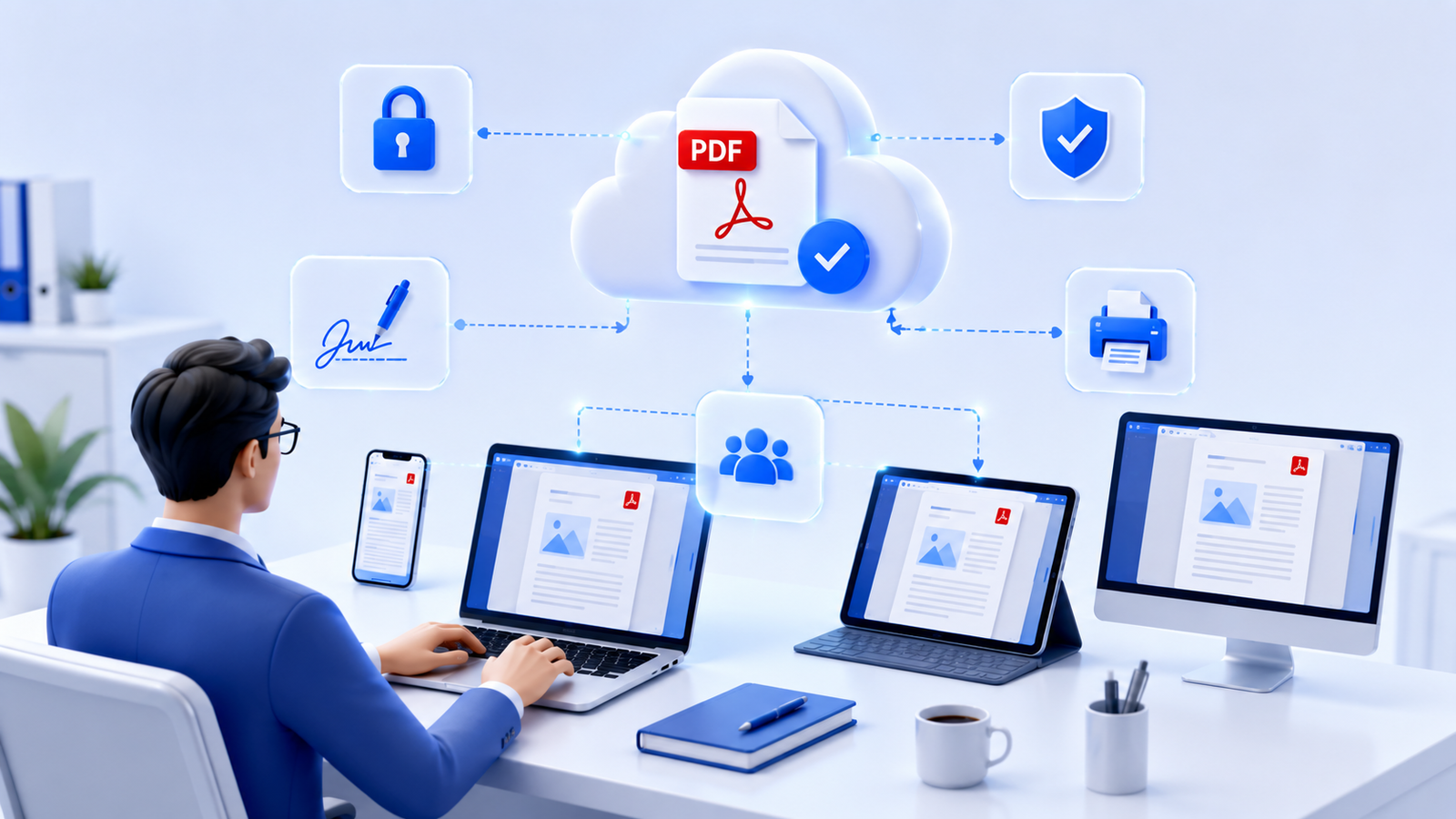
- PDF (Portable Document Format) is a universal file format that preserves a document’s formatting across different devices.
- PDF files support text, images, forms, hyperlinks, digital signatures, and password protection.
- They are widely used for contracts, invoices, reports, resumes, eBooks, manuals, and official documents.
- PDF files are ideal for sharing, printing, and long-term document storage because their appearance remains consistent.
- Tools like Compress PDF, Edit PDF, Merge PDF, and Protect PDF make working with PDFs easier and more efficient.
Final Thoughts
PDF has become the global standard for sharing digital documents because it combines reliability, compatibility, and security in a single file format. Whether you’re sending a resume, signing a contract, distributing a business proposal, or archiving important records, a PDF helps ensure your document looks exactly as intended.
While PDF files aren’t always the easiest format to edit, they excel at preserving document integrity and maintaining a professional appearance. Combined with the right PDF tools, you can easily compress, edit, merge, organize, or protect your documents to suit almost any workflow.
If you’re just getting started with PDFs, exploring the available tools can help you manage documents more efficiently and save time.
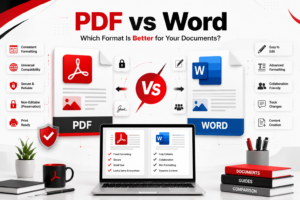
PDF vs Word: Which Is Better? Complete Comparison Guide
July 24, 2026[…] If you’re new to PDF documents, read our complete guide on What Is a PDF File. […]
Complete PDF Beginner's Guide: Everything You Need to Know
July 24, 2026[…] If you’re completely new to PDFs, start by reading our detailed guide on What Is a PDF File? […]