PDF (Portable Document Format) has become the world’s most trusted file format for sharing and storing digital documents. Whether you’re sending a resume, sharing a business proposal, distributing invoices, or archiving important records, PDF files help ensure your documents look professional and remain consistent on every device.
Unlike many editable file formats, PDFs preserve fonts, layouts, images, and formatting exactly as intended. This makes them an excellent choice for businesses, students, freelancers, government organizations, and anyone who wants to share documents without worrying about formatting issues.
Another reason PDFs are so popular is the growing availability of online document management. Today, you don’t need expensive desktop software to work with PDF files. A reliable free PDF tool allows you to edit, merge, split, compress, convert, and protect PDF documents directly from your web browser, saving both time and money.
In this guide, you’ll discover the 15 biggest benefits of PDF files, learn why they remain the preferred document format worldwide, and see how using the right PDF solutions can simplify your daily workflow.
Quick Answer
PDF files are one of the most reliable document formats because they preserve formatting, work across different devices, support password protection, offer excellent print quality, and are easy to share. When paired with a reliable free PDF tool, you can also edit, compress, merge, split, convert, and protect PDF documents without installing additional software.
If you’re new to PDFs, we recommend reading our PDF Beginner’s Guide to understand the basics before exploring their advantages.
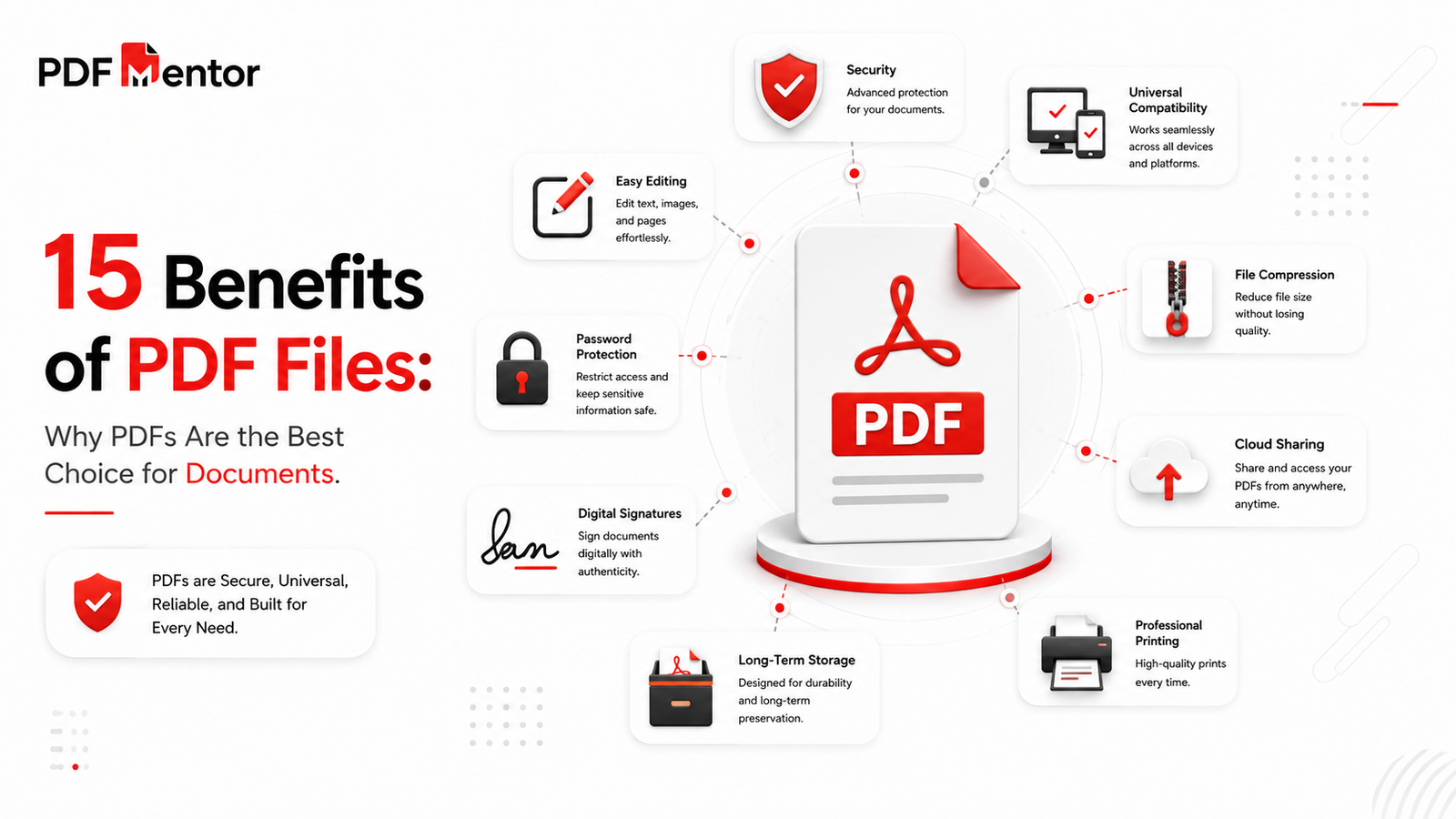
Benefits of PDF Files at a Glance
| Feature | Why It Matters |
|---|---|
| Formatting Preservation | Documents look the same on every device |
| Universal Compatibility | Works on Windows, macOS, Android, iPhone, and Linux |
| Security | Supports passwords, encryption, and permissions |
| Printing | Produces professional-quality print output |
| Easy Sharing | Simple to email, upload, and download |
| Compression | Reduces file size without significant quality loss |
| Editing | Easy to modify using a reliable free PDF tool |
| Digital Signatures | Supports secure electronic approvals |
| Long-Term Storage | Ideal for archiving important documents |
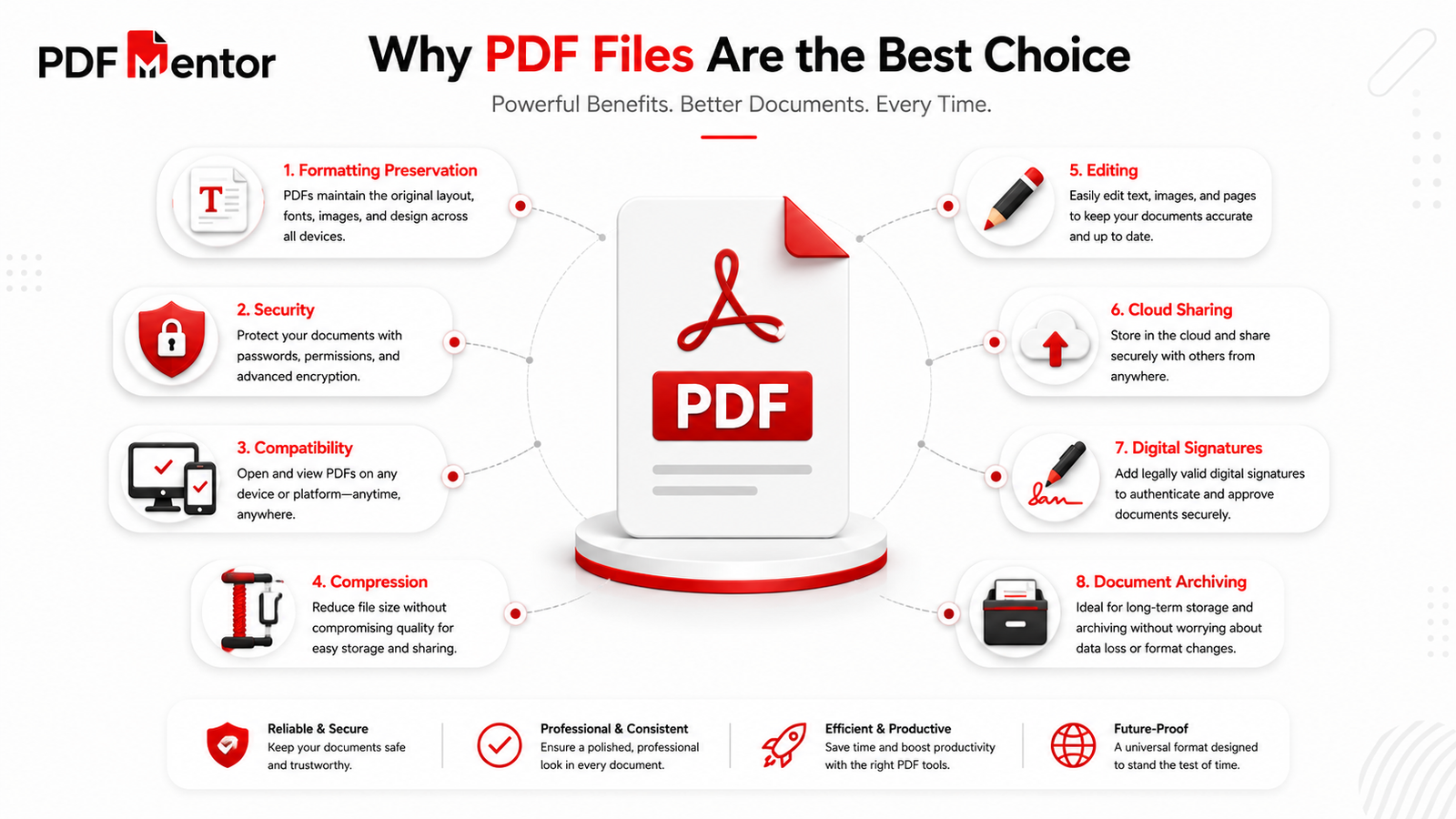
Table of Contents
- What Are PDF Files?
- Why PDFs Have Become the Global Standard
- Top 15 Benefits of PDF Files
- Why Businesses Prefer PDF Documents
- PDF vs Other File Formats
- How a Free PDF Tool Simplifies Document Management
- Best Practices for Using PDF Files
- Frequently Asked Questions
- Key Takeaways
What Are PDF Files?
A PDF (Portable Document Format) is a universal file format developed to present documents exactly as they were created, regardless of the software, device, or operating system used to open them.
Unlike editable document formats, PDFs preserve the original layout, fonts, images, graphics, and page formatting. This consistency makes them ideal for contracts, reports, resumes, invoices, eBooks, manuals, certificates, and many other types of documents.
Because PDF files display consistently across different platforms, they have become the preferred choice for both personal and professional document sharing.
If you’d like to understand PDFs in greater detail, read our complete What Is a PDF File guide.
Why PDFs Have Become the Global Standard
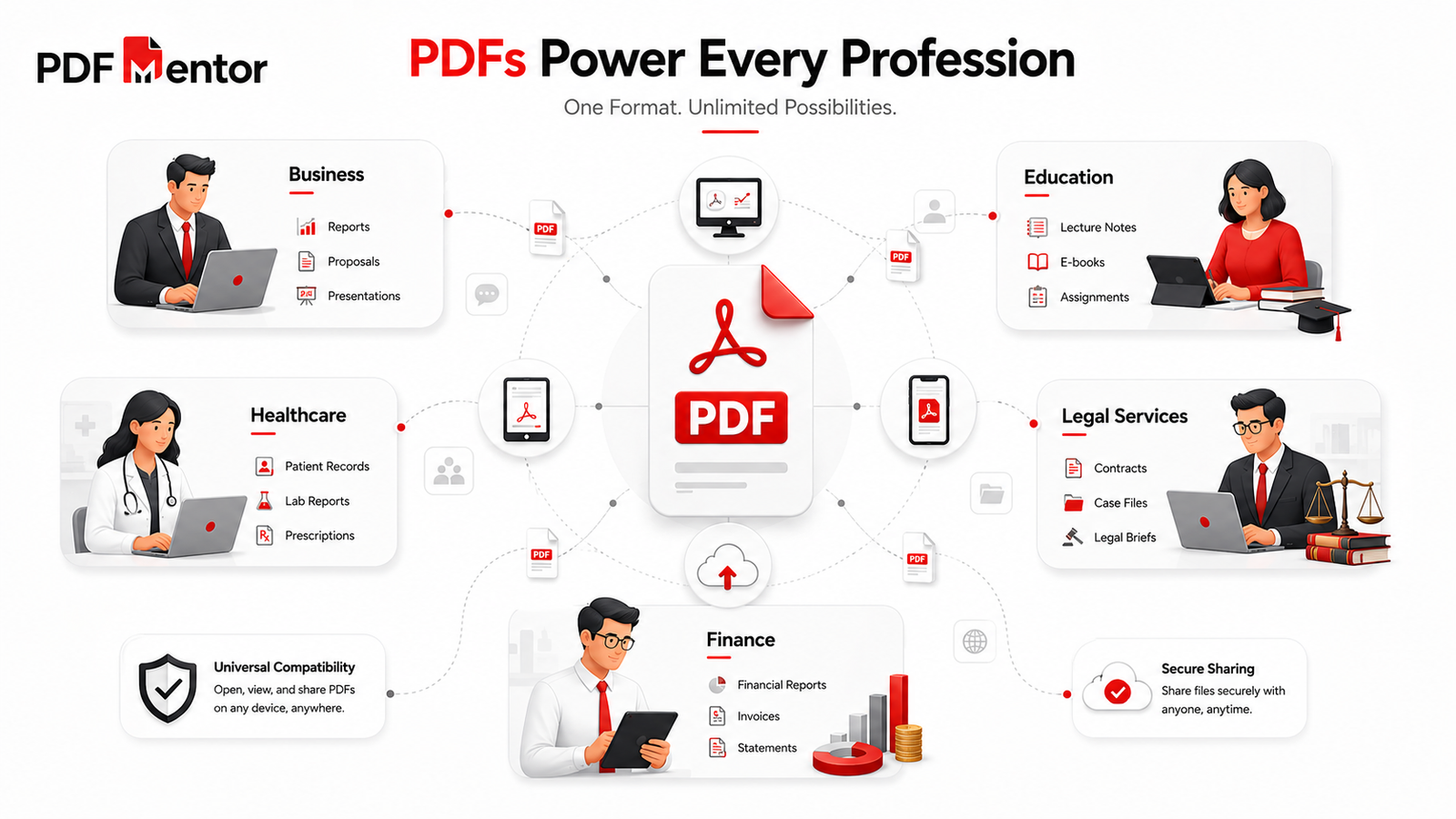
PDF files are used by millions of individuals and organizations every day because they provide a dependable way to create, store, and share documents.
Today, PDFs are commonly used for:
- Business contracts
- Financial reports
- Invoices
- Legal documents
- Government forms
- Academic papers
- User manuals
- Product catalogs
- Marketing brochures
- Digital books
Unlike many editable formats, PDFs help ensure that every recipient sees the document exactly as intended, making them one of the most trusted file formats available.
To learn how PDFs compare with editable documents, read our detailed PDF vs Word comparison.
Top 15 Benefits of PDF Files
Let’s explore the key reasons why PDF continues to be the preferred document format around the world.
1. Preserves Formatting Across Every Device
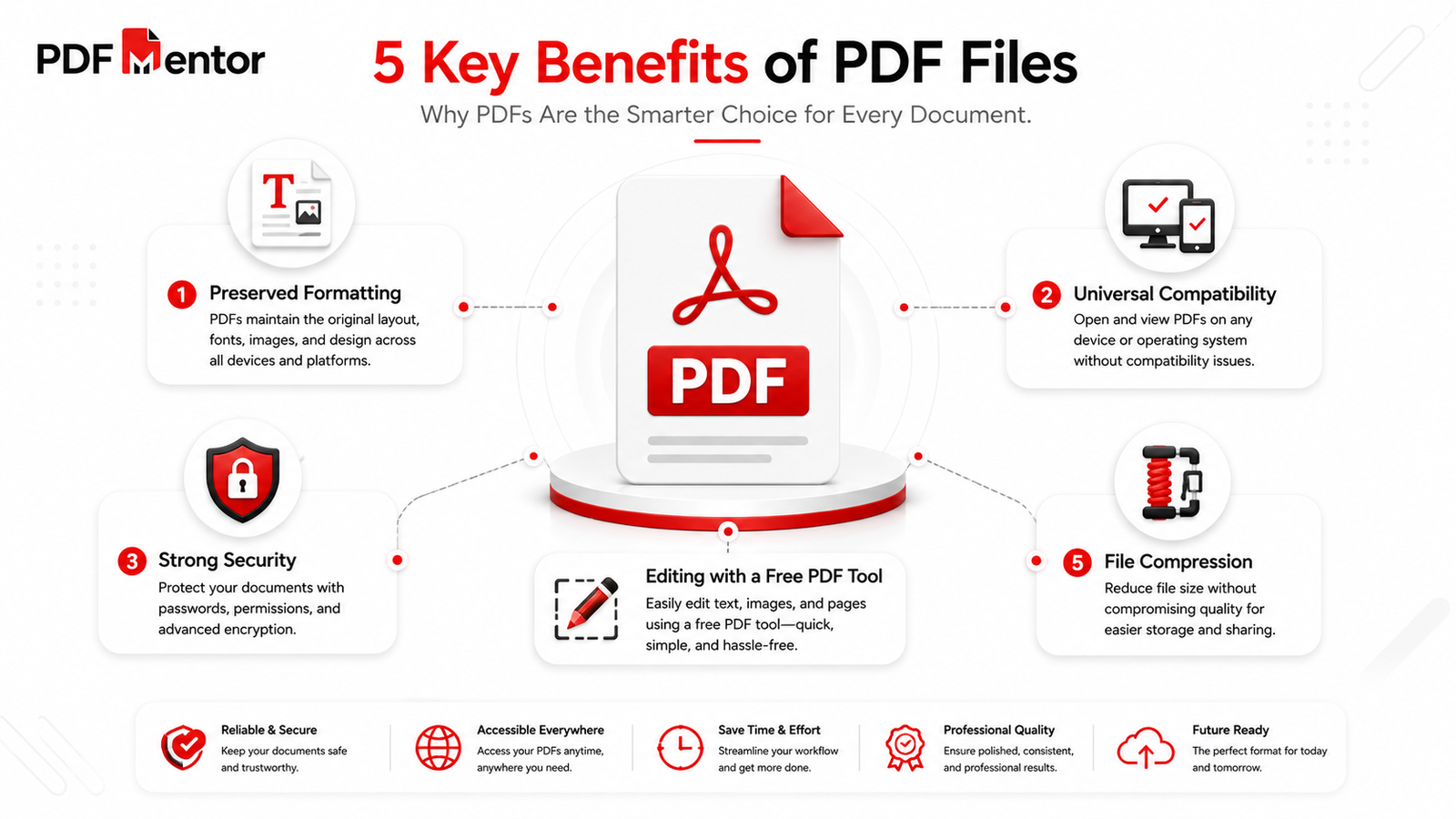
One of the biggest benefits of PDF files is their ability to preserve formatting. Whether someone opens your document on Windows, macOS, Android, iPhone, or Linux, the fonts, spacing, images, tables, and page layout remain exactly the same.
This makes PDFs perfect for resumes, contracts, presentations, reports, brochures, and official documents where appearance matters.
2. Universal Compatibility
PDF files can be opened on virtually every modern operating system and device. Most web browsers also include built-in PDF viewing capabilities, allowing users to open documents without installing additional software.
If you want to preview a document online, you can use PDFMentor’s PDF Viewer.
3. Strong Security Features
Security is another major reason why organizations prefer PDF documents.
PDF files support:
- Password protection
- Encryption
- Permission controls
- Digital signatures
- Restricted editing
These features help protect confidential information and reduce the risk of unauthorized changes.
Need to secure a document?
Use PDFMentor’s Protect PDF tool.
4. Easy Editing with a Free PDF Tool
Editing PDFs no longer requires expensive desktop software.
Today, a reliable free PDF tool allows you to update text, add images, reorganize pages, and make document changes directly from your browser. This makes PDF editing faster, more convenient, and accessible from almost any device.
Whether you’re updating a business proposal, correcting a typo, or revising a report, online editing can save valuable time.
You can quickly modify documents using PDFMentor’s Edit PDF tool.
5. Smaller File Sizes Without Sacrificing Quality
PDF files can often be compressed while maintaining excellent readability and visual quality.
Smaller file sizes make documents easier to:
- Upload
- Download
- Store
- Share
If you need to reduce a document’s size before sending it, PDFMentor’s Compress PDF tool can help optimize your files while preserving quality.
6. Easy to Share and Access
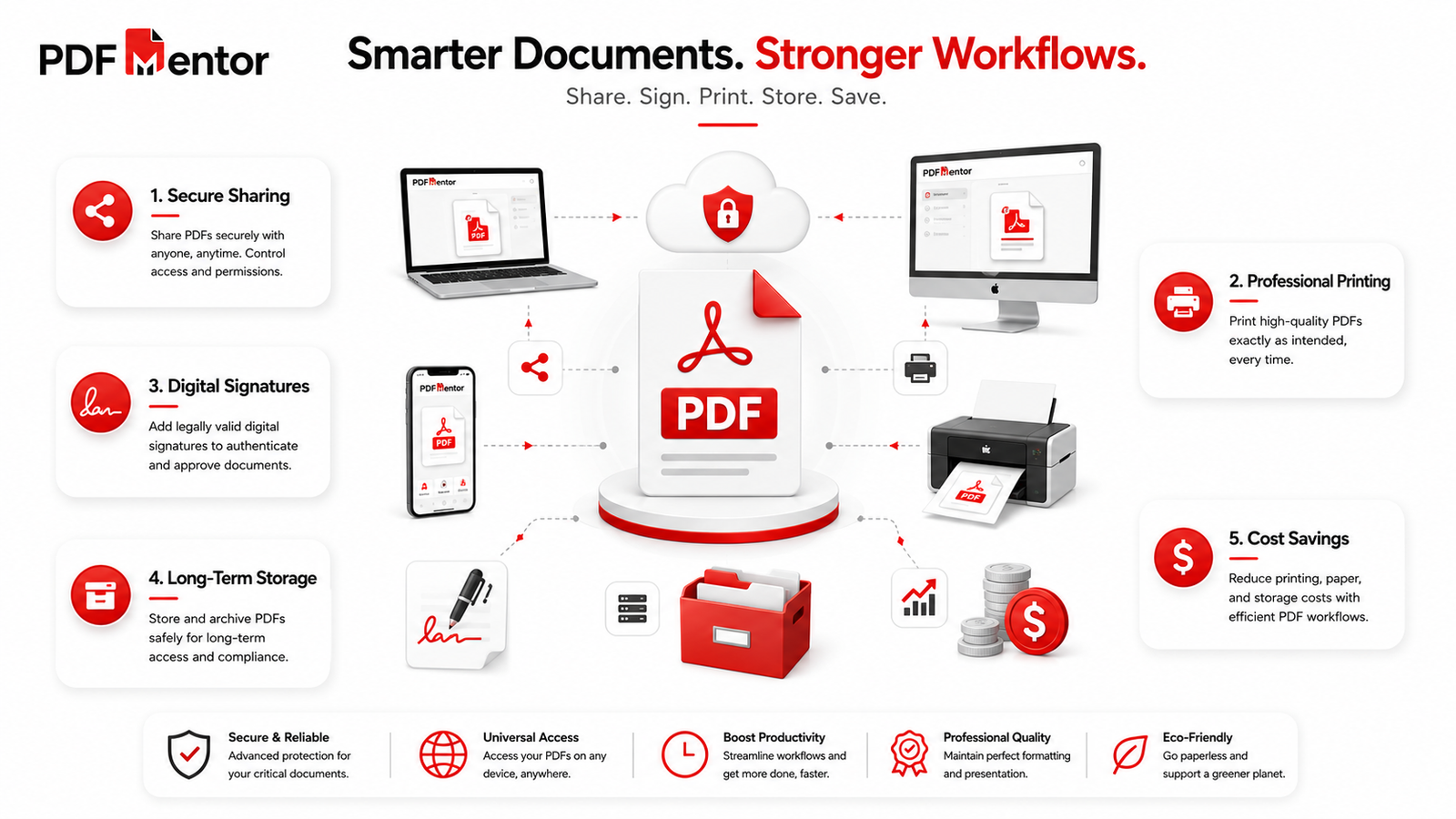
One of the biggest reasons people choose PDF is its simplicity when sharing documents. Whether you’re sending a business proposal, submitting a university assignment, or emailing an invoice, PDF files make the process quick and reliable.
Unlike editable file formats that may display differently on another device, PDFs maintain their appearance after being shared through email, cloud storage, messaging apps, or websites.
PDF files can easily be shared using:
- Google Drive
- Dropbox
- OneDrive
- Slack
- Business portals
- Websites
Because PDF is a universally accepted format, recipients can usually open documents without installing additional software.
Before sending an important document, you can preview it using PDFMentor’s PDF Viewer.
7. Professional Printing Quality
When documents need to be printed, PDF is often the preferred format because it preserves every design element exactly as intended.
This includes:
- Fonts
- Images
- Logos
- Tables
- Colors
- Margins
- Page layouts
Whether you’re printing brochures, contracts, certificates, business reports, or marketing materials, PDF delivers consistent, professional-quality results.
This reliability is one of the main reasons print shops, publishers, and businesses request documents in PDF format.
8. Supports Digital Signatures
Modern PDF documents support digital signatures, making them ideal for secure online approvals.
Instead of printing, signing, and scanning documents, users can electronically sign contracts, agreements, and official paperwork in just a few clicks.
Digital signatures help:
- Verify document authenticity
- Improve security
- Speed up approvals
- Reduce paperwork
- Support remote collaboration
This feature has become increasingly valuable for businesses, legal professionals, and remote teams.
9. Ideal for Long-Term Storage
PDF is one of the best formats for storing important documents over long periods.
Because PDF files preserve formatting and remain widely supported, organizations often use them for archiving:
- Financial records
- Contracts
- Employee files
- Medical records
- Academic documents
- Government paperwork
Many organizations also use PDF/A, a specialized version of PDF designed specifically for long-term digital preservation.
This makes PDF a dependable choice for maintaining documents that may need to be accessed years later.
10. Saves Time and Reduces Costs
Managing documents with multiple software applications can be time-consuming and expensive.
Instead, a reliable free PDF tool allows you to complete common document tasks from one place, including:
- Editing PDFs
- Compressing files
- Merging documents
- Splitting pages
- Protecting sensitive files
- Viewing PDFs online
Students, freelancers, teachers, and businesses can save both time and money by using online PDF solutions instead of purchasing expensive desktop software.
11. Searchable Documents Improve Productivity
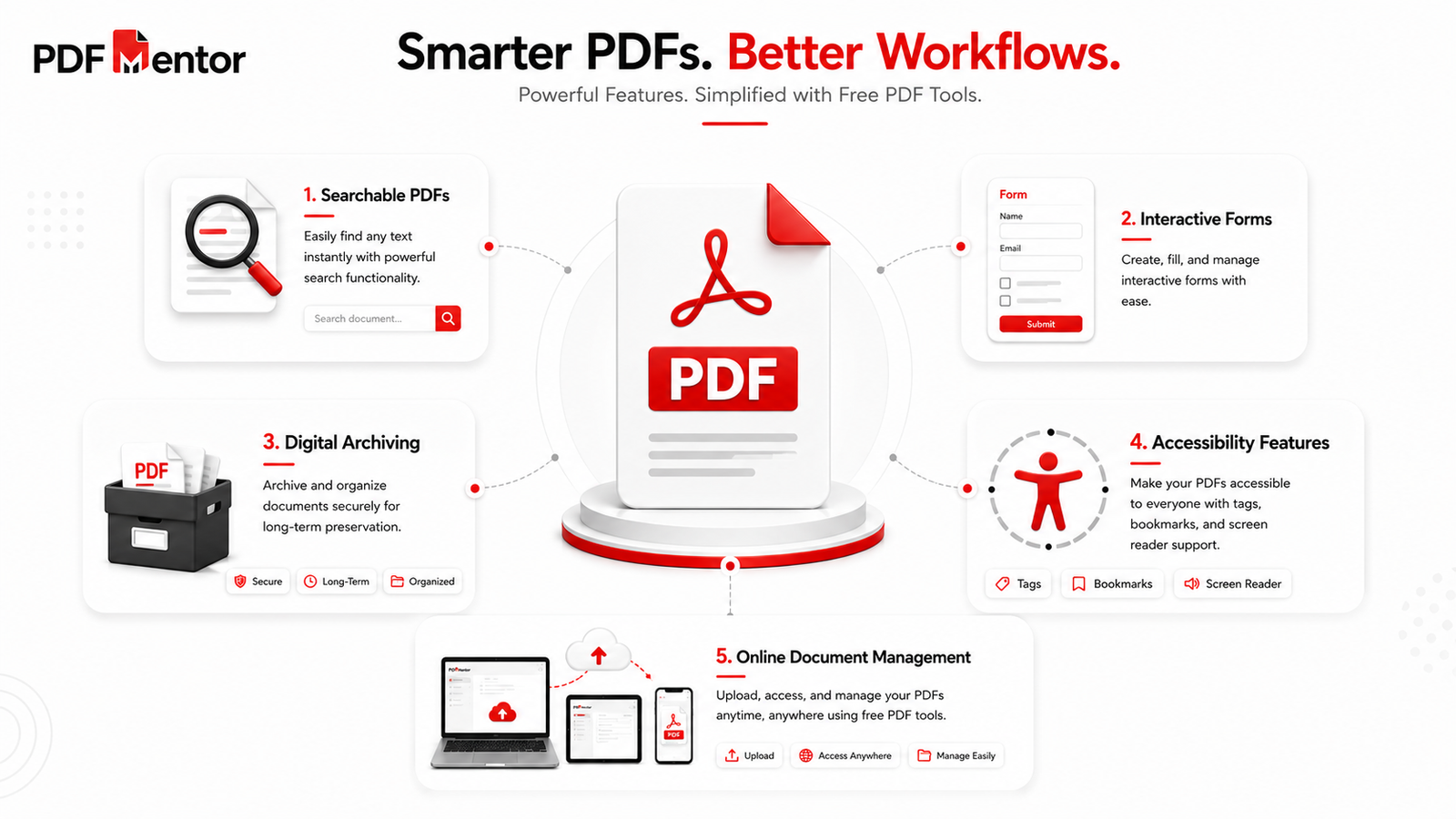
Many PDF files contain searchable text, allowing users to quickly locate names, dates, keywords, or important information within large documents.
Instead of scrolling through dozens of pages, users can use the search function to find exactly what they need within seconds.
Searchable PDFs are especially useful for:
- User manuals
- Research papers
- Business reports
- Employee handbooks
- Legal agreements
- Technical documentation
This feature improves productivity and saves valuable time when working with lengthy documents.
12. Supports Interactive Forms
PDF files can contain interactive elements such as:
- Fillable text fields
- Checkboxes
- Drop-down menus
- Radio buttons
- Digital signatures
These interactive forms simplify data collection and reduce paperwork.
Government departments, schools, hospitals, banks, and businesses frequently use fillable PDF forms because they are easy to complete, share, and store electronically.
13. Better for Long-Term Digital Archiving
Although many file formats become outdated over time, PDF continues to be one of the most reliable choices for digital preservation.
The PDF/A standard was specifically developed to help organizations archive documents for future use.
Important files commonly stored as PDFs include:
- Legal records
- Financial statements
- Historical documents
- Insurance paperwork
- Academic research
- Business records
Because PDFs maintain consistent formatting, archived documents remain readable even years after they were created.
14. Supports Accessibility Features
Modern PDF documents can be created with accessibility features that make them easier to use for people with disabilities.
Accessible PDFs may include:
- Screen reader compatibility
- Alternative text for images
- Tagged headings
- Logical reading order
- Keyboard navigation
These features improve usability and help organizations create more inclusive digital documents while supporting accessibility best practices.
15. Works Seamlessly with a Free PDF Tool
One of the biggest advantages of PDF files today is the wide availability of online document management.
Instead of downloading several different applications, a reliable free PDF tool lets you manage your documents from virtually any device with an internet connection.
Using PDFMentor, you can easily:
Edit PDF
Merge PDF
Combine multiple PDF files into a single organized document.
Split PDF
Separate one PDF into multiple smaller files.
Compress PDF
Reduce file size for easier uploading, emailing, and storage.
Protect PDF
Add password protection to help secure confidential information.
Whether you’re managing school assignments, business reports, legal documents, or personal files, having access to a trusted free PDF tool makes everyday document management faster, simpler, and more efficient.
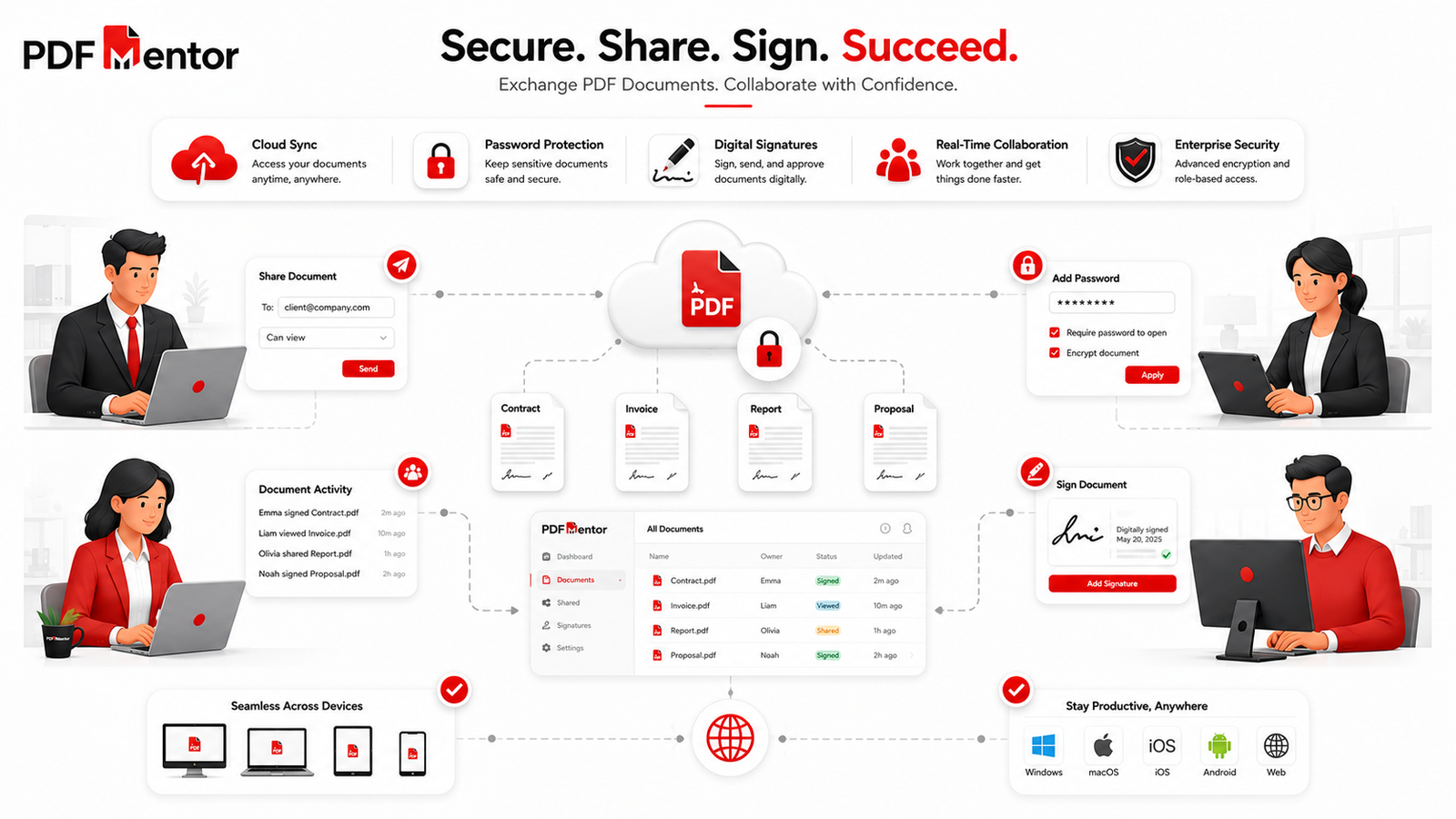
Why Businesses Prefer PDF Documents
Businesses rely on PDF files because they provide consistency, security, and professionalism throughout the document lifecycle.
PDFs help organizations:
- Share contracts without formatting issues.
- Protect confidential business information.
- Print professional marketing materials.
- Archive important company records.
- Collect secure digital signatures.
- Exchange documents with clients across different devices.
Many organizations also use a free PDF tool to streamline everyday document tasks such as editing reports, compressing large files, merging multiple PDFs, and protecting confidential information before sharing.
By simplifying these workflows, PDF files help businesses improve efficiency while reducing document management costs.
PDF vs Other Document Formats
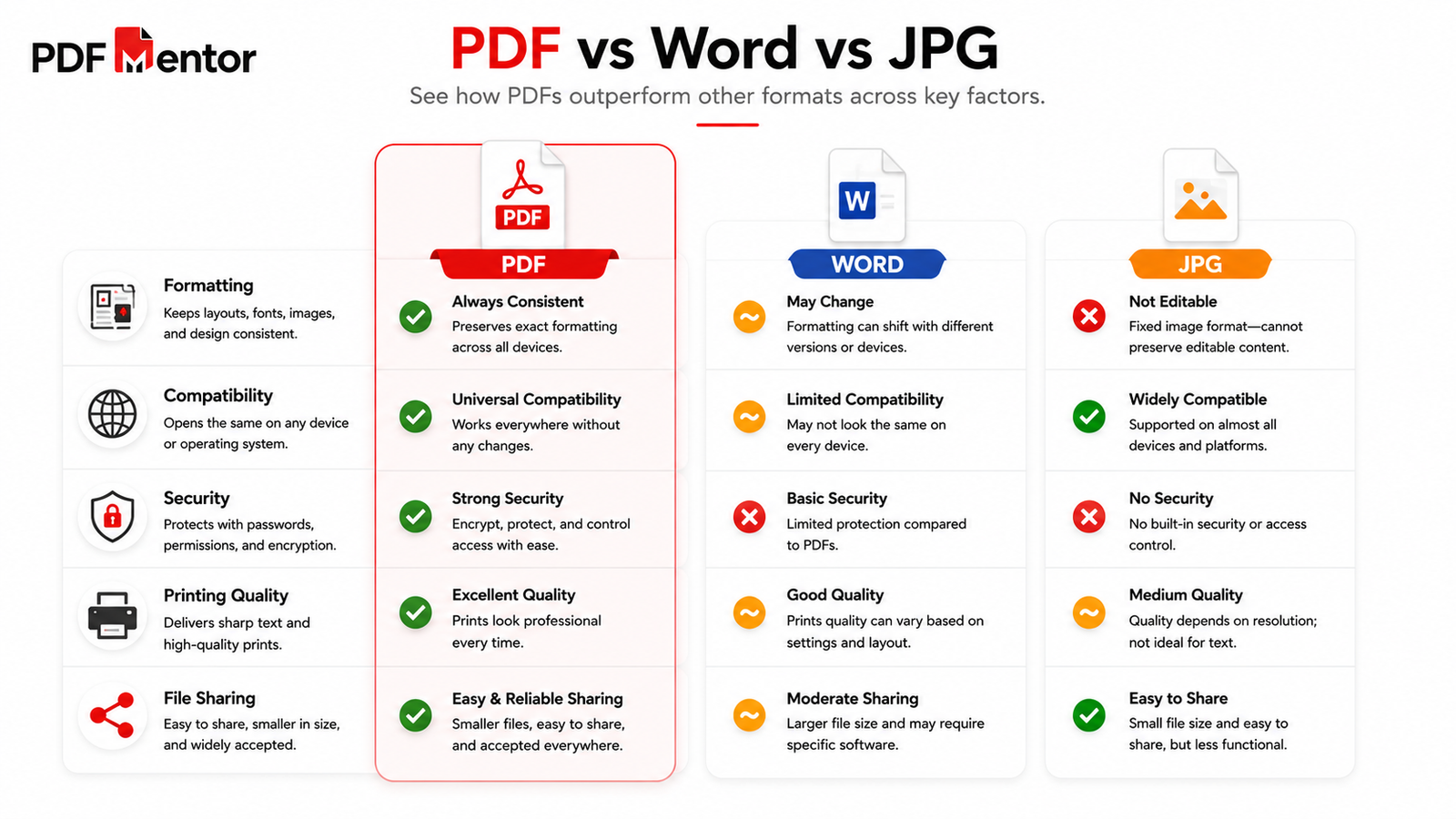
Choosing the right file format depends on how you plan to use your document. While Word, JPG, and other formats each have their own strengths, PDF remains the preferred choice when consistency, security, and professional presentation are important.
| Feature | Word | JPG | |
|---|---|---|---|
| Preserves Formatting | ✅ | ❌ | ❌ |
| Easy Editing | Limited | ✅ | ❌ |
| Password Protection | ✅ | Limited | ❌ |
| Digital Signatures | ✅ | Limited | ❌ |
| Professional Printing | ✅ | Good | Fair |
| Universal Compatibility | ✅ | Good | ✅ |
| File Compression | ✅ | Moderate | Good |
| Long-Term Archiving | ✅ | ❌ | ❌ |
If you frequently share finalized documents, PDF is usually the better choice because recipients see the file exactly as you created it.
To understand these differences in greater detail, read our complete PDF vs Word comparison.
Best Practices for Using PDF Files
Using PDF files correctly helps improve security, organization, and productivity. Whether you’re working with business documents or personal files, following these best practices can make document management more efficient.
Keep an Editable Copy
Before converting a document to PDF, keep the original editable version. This makes future updates much easier.
Compress Large Files Before Sharing
Large PDFs can be difficult to email or upload. Compressing your documents reduces file size while maintaining good quality.
Use PDFMentor’s Compress PDF tool before sending large files.
Protect Sensitive Documents
Confidential contracts, financial records, and personal documents should always be password protected.
PDFMentor’s Protect PDF tool makes securing important files quick and simple.
Review Documents Before Sending
Always preview your PDF to check formatting, images, links, and page order before sharing.
You can quickly review documents using PDFMentor’s PDF Viewer.
Use a Reliable Free PDF Tool
Instead of installing multiple desktop applications, choose one trusted free PDF tool that allows you to edit, merge, split, compress, protect, and manage your documents from one place.
Using a single platform helps simplify your workflow while saving both time and storage space.
Frequently Asked Questions
1. What are the biggest benefits of PDF files?
The biggest benefits of PDF files include preserving formatting, universal compatibility, document security, high-quality printing, easy sharing, digital signatures, long-term storage, and compatibility with modern online document management solutions.
2. Why do businesses prefer PDF files?
Businesses choose PDF because documents look identical on every device, support password protection, enable digital signatures, and are ideal for printing, sharing, and archiving important information.
3. Can I edit PDF files for free?
Yes. A reliable free PDF tool allows you to edit text, reorganize pages, merge documents, split PDFs, compress files, and perform many other tasks directly in your browser without installing software.
You can edit documents using PDFMentor’s Edit PDF tool.
4. Are PDF files secure?
Yes. PDF files support password protection, encryption, permission settings, and digital signatures. When these features are configured properly, they help protect sensitive information from unauthorized access or modification.
5. Can I reduce the size of a PDF file?
Absolutely.
PDFMentor’s Compress PDF tool helps reduce file size while maintaining good document quality, making PDFs easier to upload, email, and store.
6. What can I do with a free PDF tool?
A modern free PDF tool can help you:
- Edit PDF files
- Merge multiple PDFs
- Split PDF pages
- Compress large files
- Protect confidential documents
- View PDFs online
- Convert PDFs between supported formats
These features make document management faster and more convenient for students, professionals, freelancers, and businesses.
Why Choose PDF Mentor as Your Free PDF Tool
Working with PDF documents shouldn’t require expensive software or complicated installations. PDFMentor is designed to provide a simple, secure, and efficient way to manage your PDF files online.
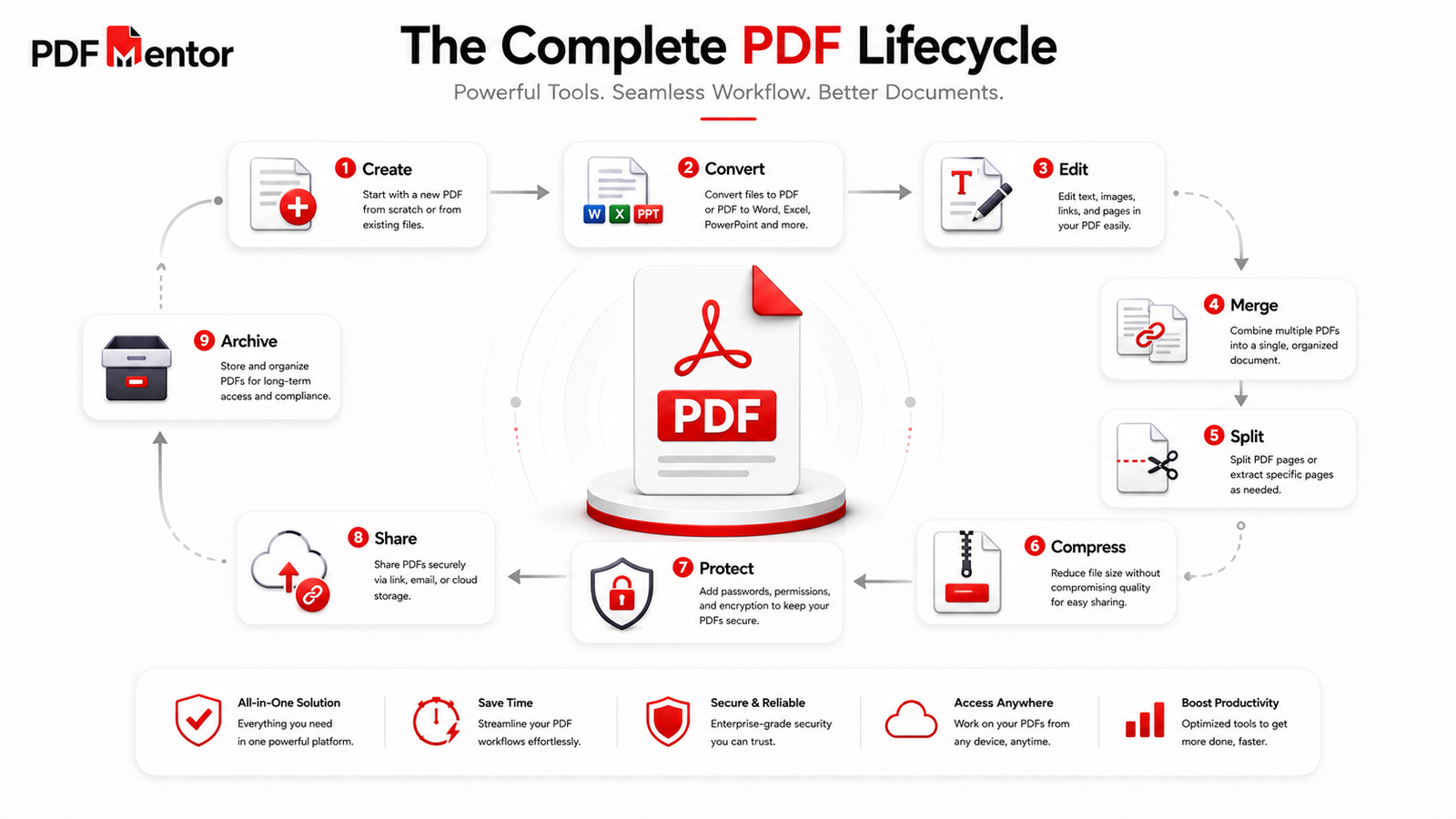
Whether you need to edit a document, merge several PDF files, split pages, compress large files, protect confidential information, or simply view a PDF, PDFMentor brings these essential features together in one easy-to-use platform.
Instead of switching between multiple websites or downloading separate applications, you can complete your entire document workflow in one place. This not only saves time but also improves productivity and makes everyday PDF management more convenient.
If you’re looking for a reliable free PDF tool, PDFMentor helps you handle common document tasks quickly, securely, and without unnecessary complexity.
Key Takeaways
- PDF files preserve formatting across different devices and operating systems.
- They are ideal for sharing professional documents without layout issues.
- Built-in security features help protect sensitive information.
- PDF supports digital signatures, searchable content, accessibility features, and long-term archiving.
- A reliable free PDF tool makes it easy to edit, merge, split, compress, and protect PDF documents online.
- PDF remains one of the most trusted document formats for students, professionals, businesses, and organizations worldwide.
Final Thoughts
The benefits of PDF files go far beyond simply viewing documents. They provide a reliable way to preserve formatting, improve document security, support professional printing, simplify sharing, and store important information for years to come.
As digital document management continues to evolve, using a dependable free PDF tool becomes just as important as choosing the right file format. With the ability to edit, merge, split, compress, and protect PDFs online, you can manage your documents more efficiently without installing expensive software.
Whether you’re a student submitting assignments, a professional sharing reports, or a business managing contracts, PDFMentor provides the tools you need to work smarter with PDF files. Explore our free online PDF solutions and discover a faster, simpler way to manage your documents.